
 Analysis Pending
When identification is complete, the risk show up in the Analysis Pending.
If fields like Initial Impact, Initial Likelihood, Analysed by or Analysed date are left blank or removed at any stage, it will appear in this stage and highlighted.
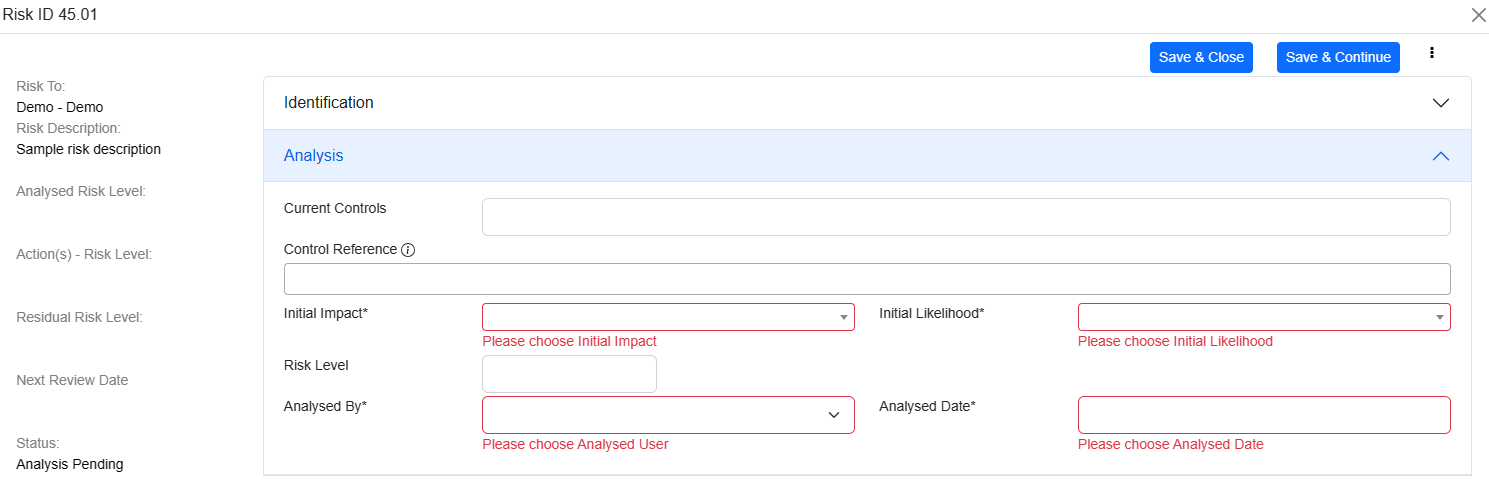
The values in Initial Impact and Initial Likelihood will depend on the setup managed by administrator.
The screen may vary based on the optional fields selected during setup.
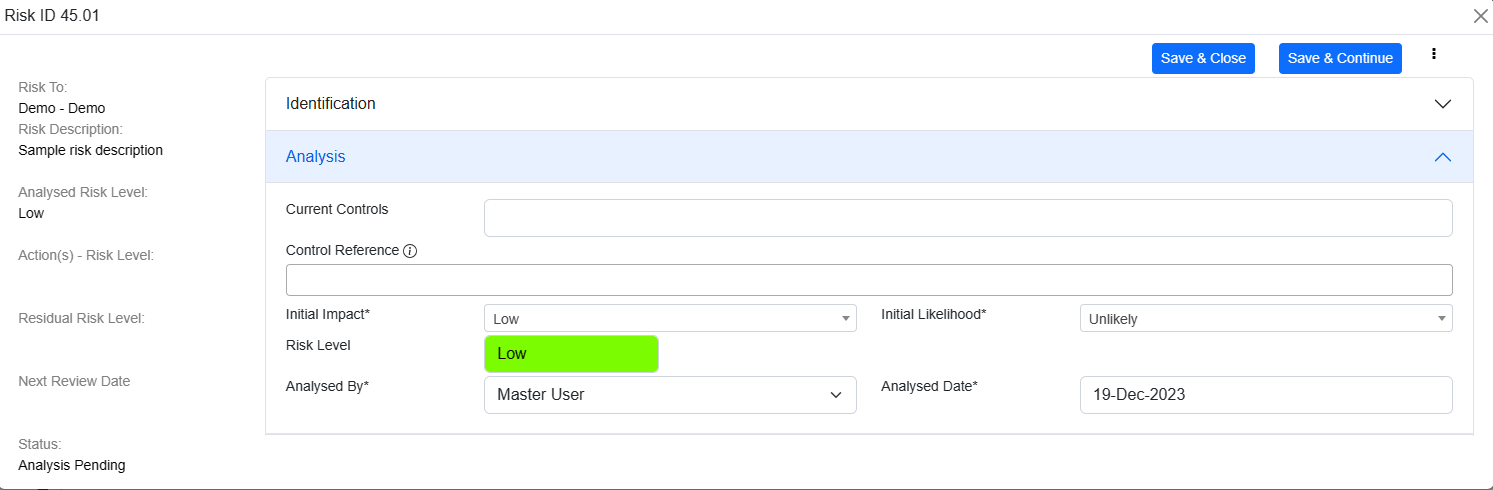
Risk level will be automatically populated based on the combination of impact and likelihood.
If SOA Reference is available, you can select multiple controls from the dropdown.
If Analysed By and Analysed Date is empty, then these fields are auto populated with logged in user and Current Date.
© Tofrum, 2024 • Updated: 19-3-2024
Comment or report problem with topic
