
 Treatment Plan Pending
When a risk is not accepted, it appears in the Treatment Plan pending.
If fields like Assigned to, Target date are left blank or removed at any stage, it will appear in this stage and highlighted.
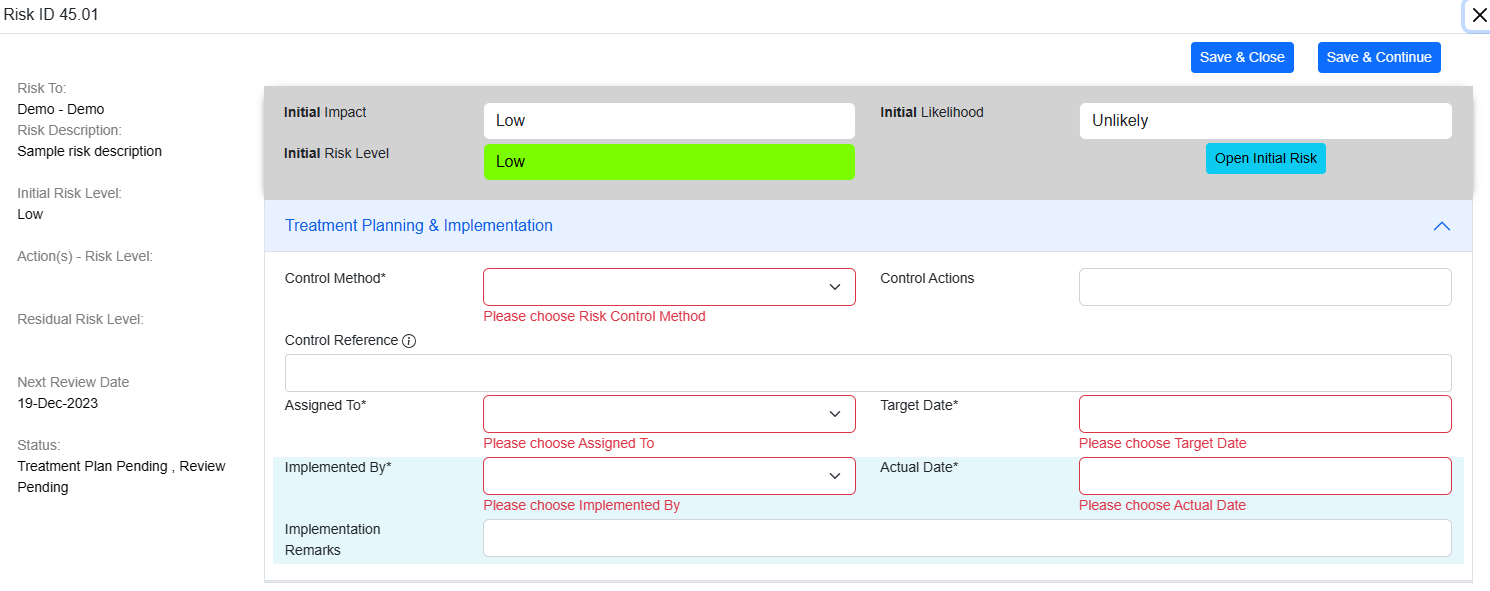
The risk control methods are sorted based on the effectiveness.
- Administration
- Substitution
- Engineering
- Elimination
- Personal Protective Equipment (PPE).
The administrator has rights to add more items to the risk control method.
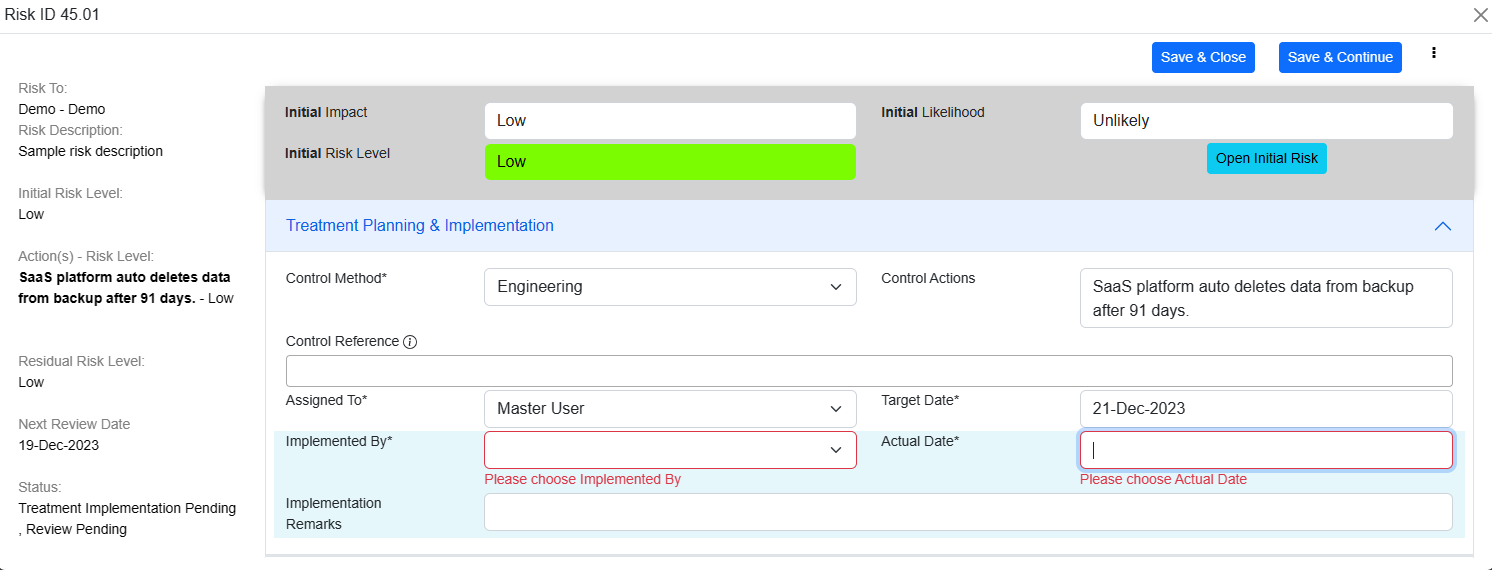
The user can select the controls from the dropdown. The saved controls will appear in the dropdown.
To remove a control click on the selected control again and the control will be removed.
The selected controls will automatically appear in the SOA.
Multiple control method selection is not permitted as it is required to complete the full treatment cycle and then add another risk treatment control based on the residual risk.
Please refer Risk Methodology or contact Support for more information.
User can assign the treatment action to any user group/ user with a target date by which the action should be completed.
Target date can be chosen in the future.
If Assigned By and Target Date is empty, then these fields are auto populated with logged in user and Current Date.
By clicking on Open Initial Risk we can see and edit the previous steps like identification, analysis and evaluation.
© Tofrum, 2024 • Updated: 19-3-2024
Comment or report problem with topic
