
 Risk History & Delete
Risk Delete : Only Risk Manager can delete any Risk, Risk Treatments and can also view the history of Risk.
Risk with all related risk treatments can be deleted by Clicking three dot icon next to the save button > Delete.
Double click on any risk in the Risk Register page. It will open a pop up with three dot icon next to Save.
Click Delete from the Confirm pop up box to delete the risk.
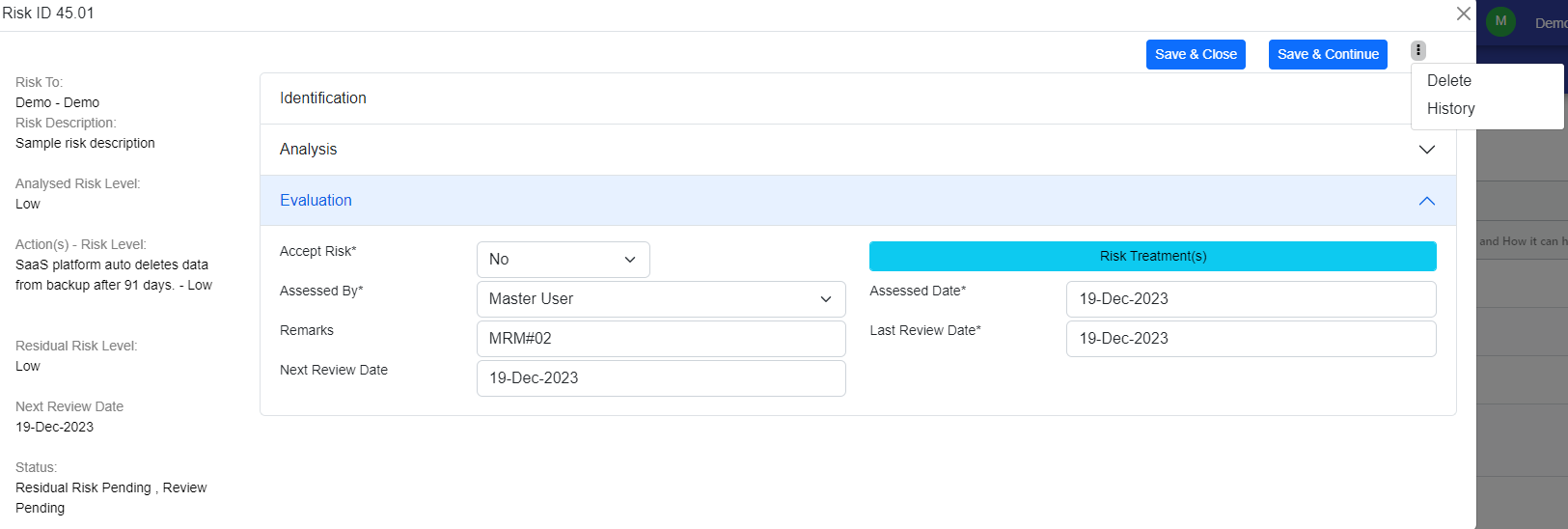
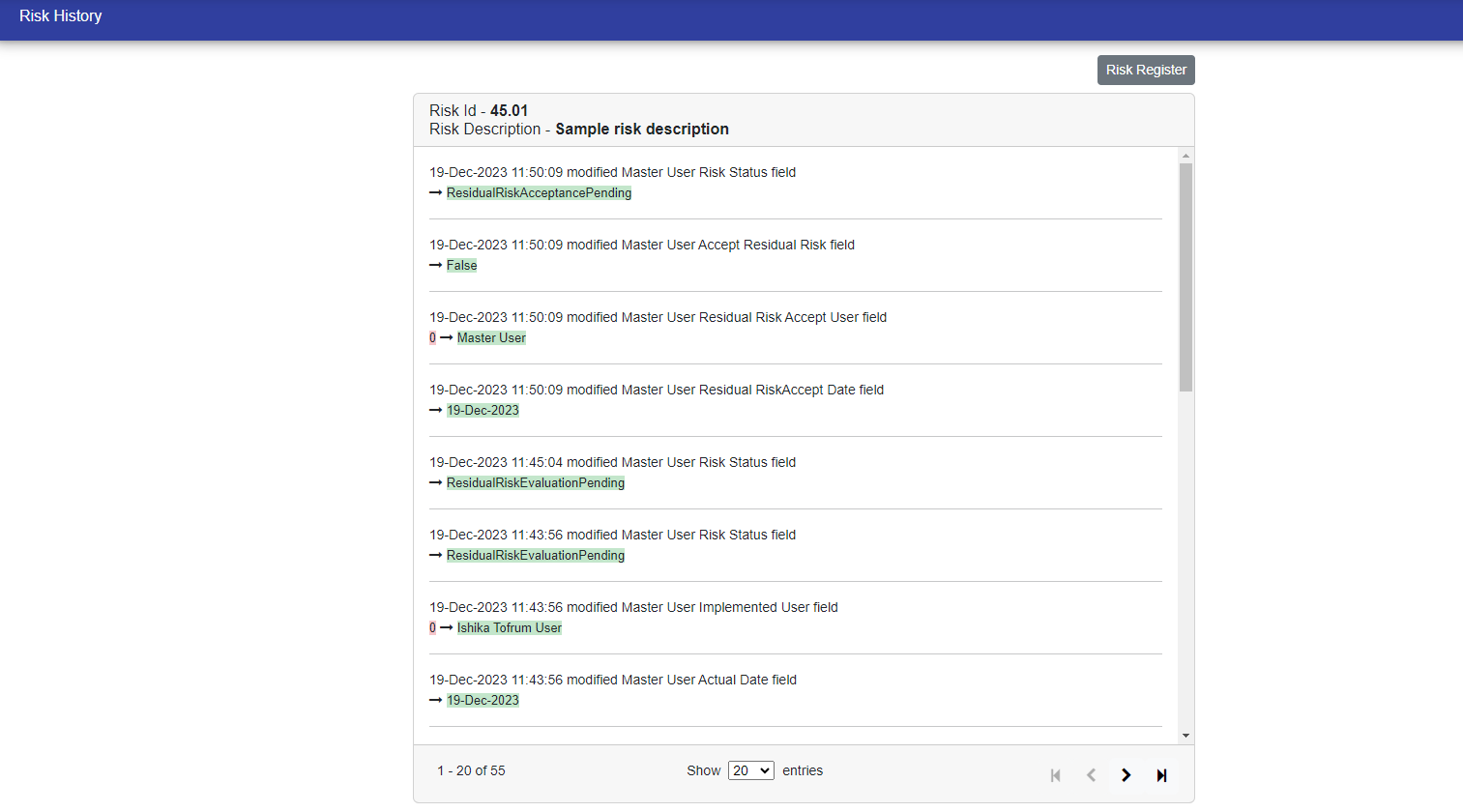
Risk History : You can also view the Risk history by selecting "History"
© Tofrum, 2024 • Updated: 20-12-2023
Comment or report problem with topic
