
 Import Risks
To import risk you have to map the data first if not mapped.
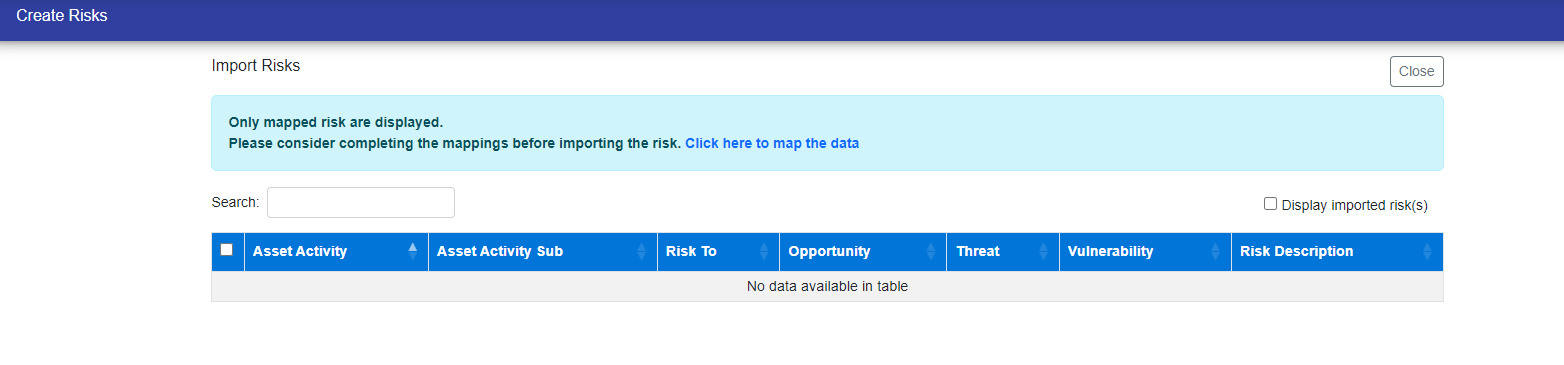
Click the link displayed above to map the data (Import Mapping).
After Mapping, You can select the risks to import and click import button.
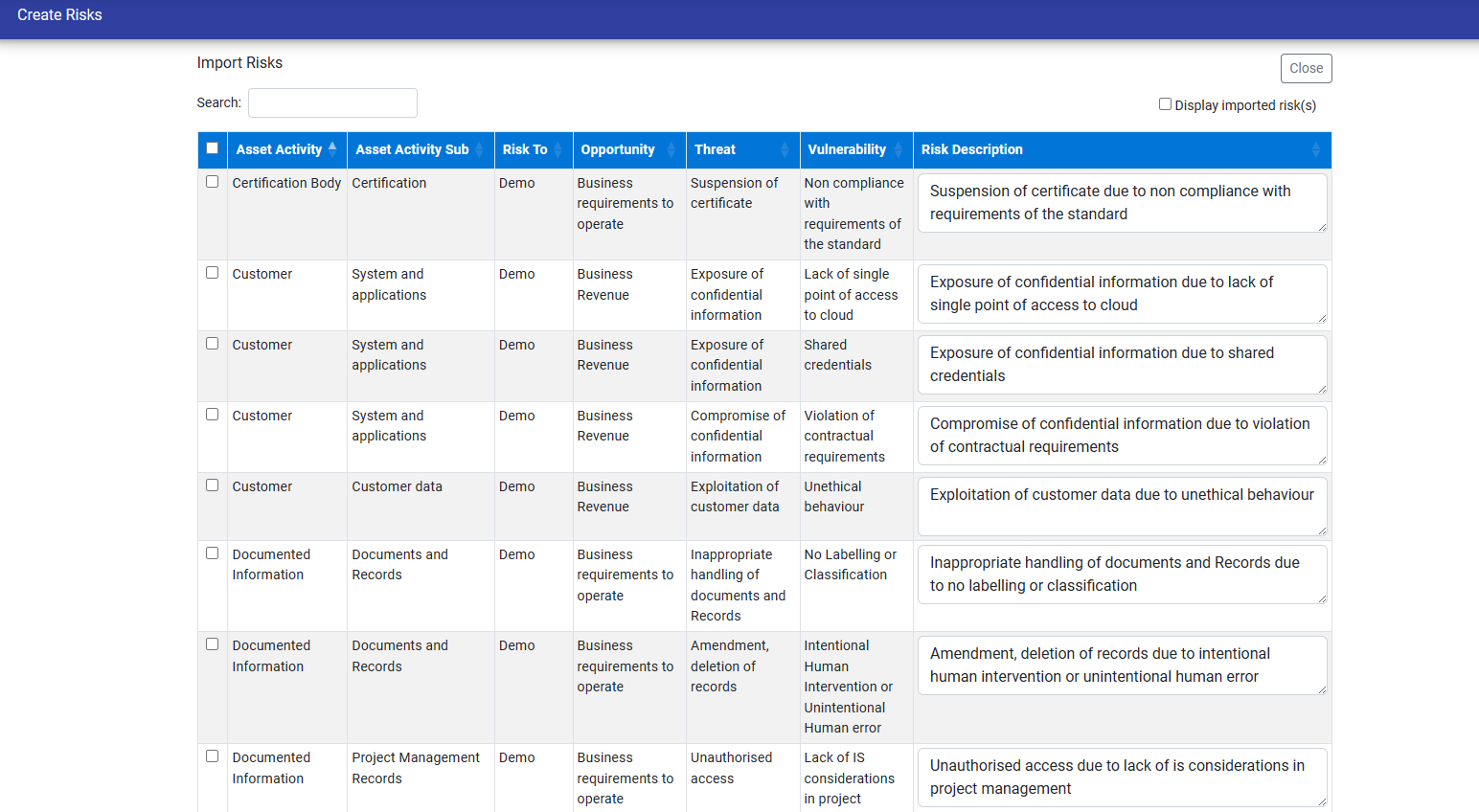
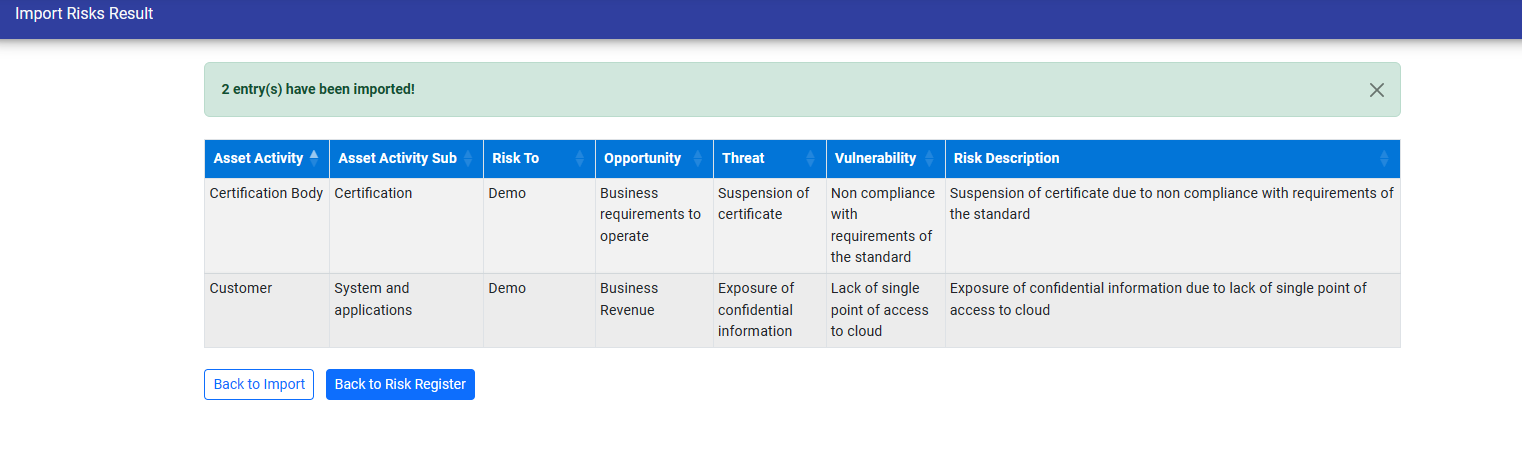
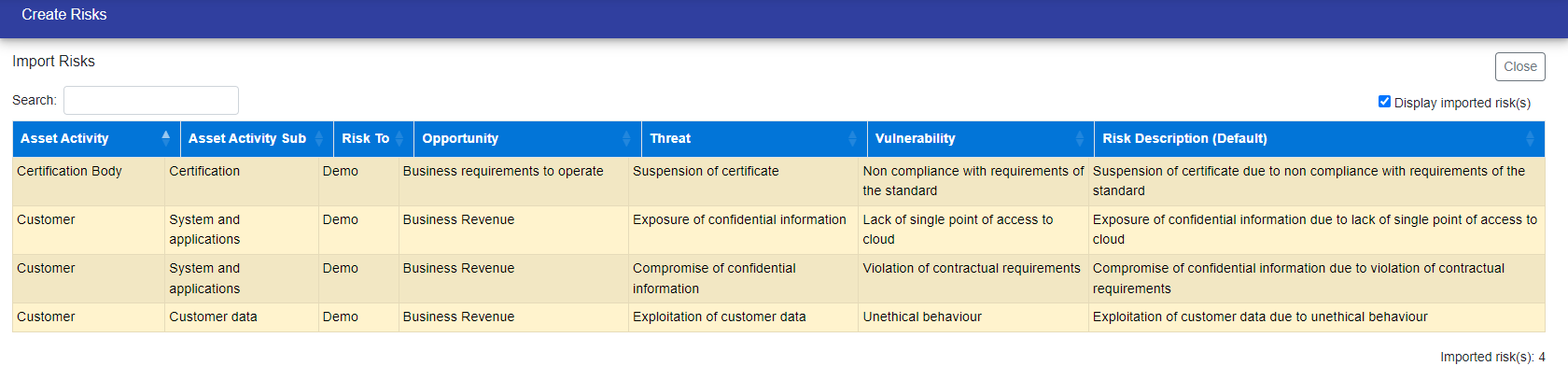
You can see the imported risks, on selecting the checkbox on the top right.
After Importing risks, you can see the risks in the risk register.
© Tofrum, 2024 • Updated: 7-10-2023
Comment or report problem with topic
