
 Organisation Chart with names (Designation)
In the organisation chart with Names (Designation), It displays the name and designation of each user, Indicating their specific position and manager they report to.
This helps to give a clear picture of the chain of command and structure of the organisation, making it easier to understand who reports to whom and the different roles and responsibilities within the company.
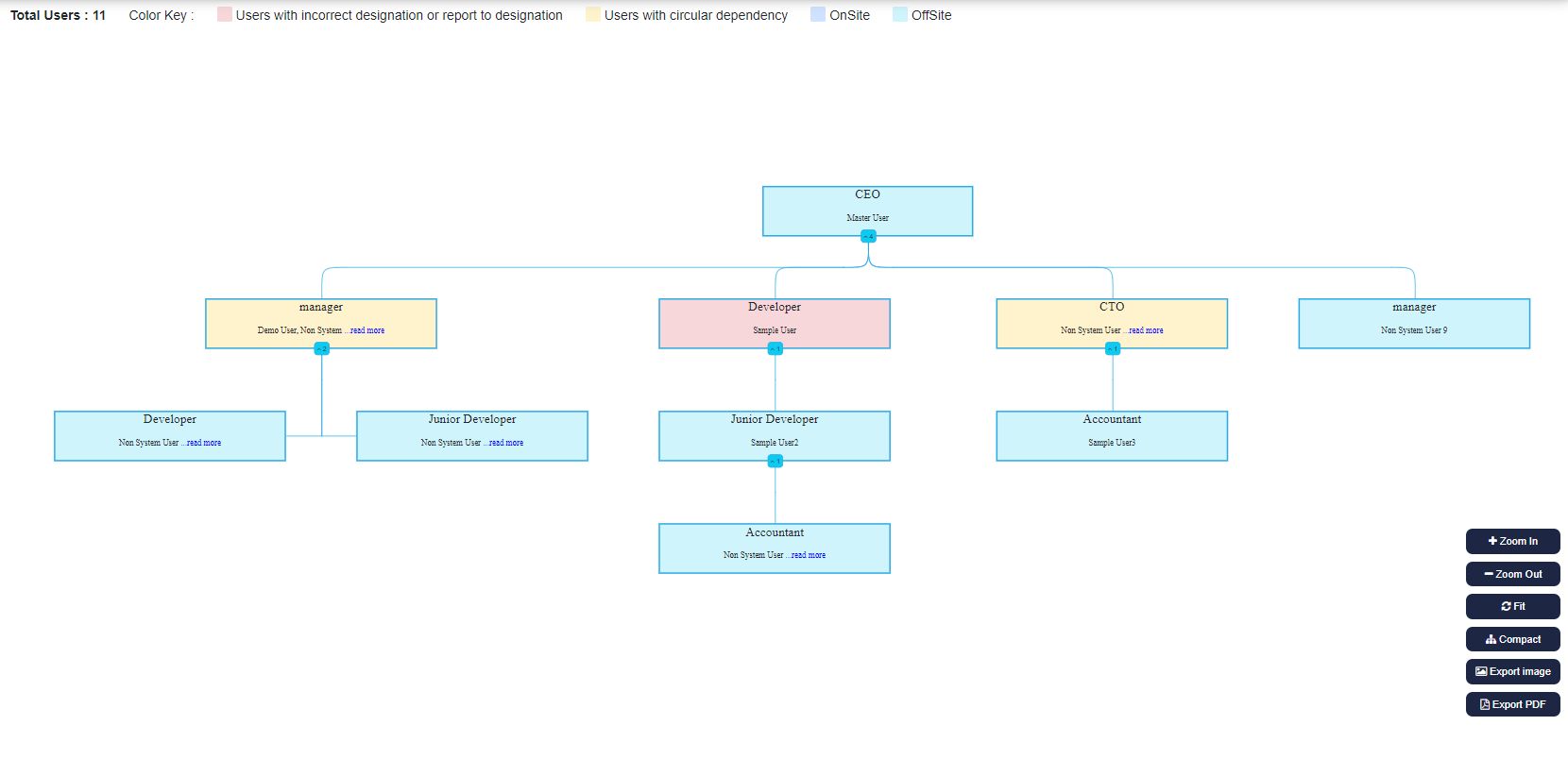 If admin or manager haven't defined their respective designations or reports to designations, then simply click on the 'Setup' button to assign users to their respective supervisors.
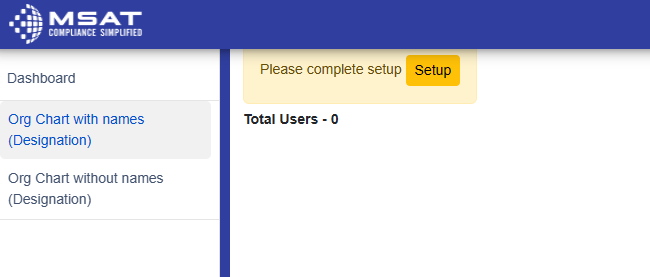
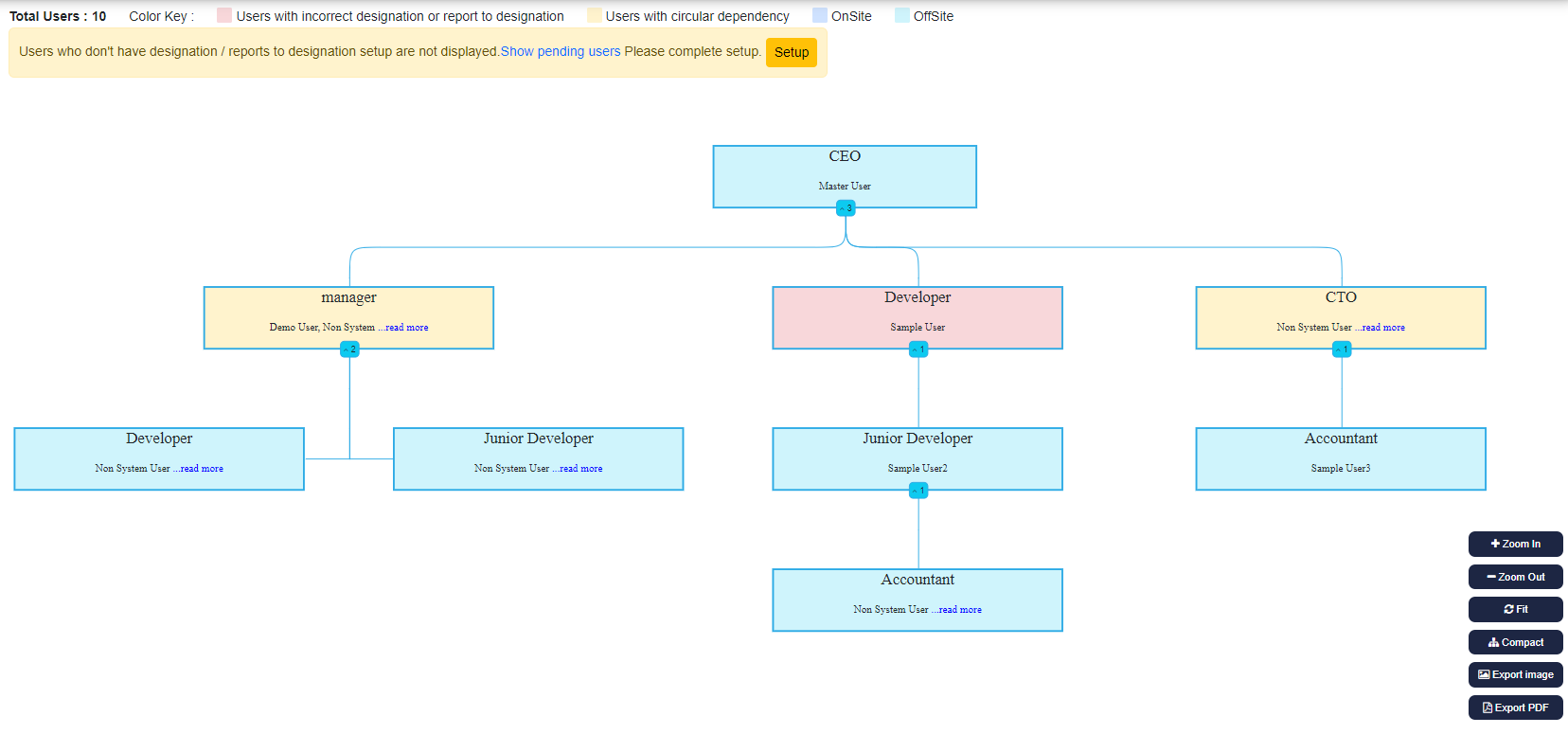 After clicking on the "setup" button, it will navigate to the System settings. where it can complete the Setup process by specifying the user's designation and their manager's name
Once we have done this, the organisation chart will be generated.
Furthermore, we can also print out a hard copy of the organisation chart for our company if needed.
Simply click on "Export image" or "Export PDF," according to your requirements.
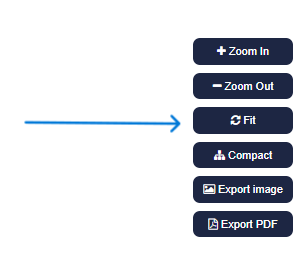 There are also other options like "Fit" and "Compact":
- "Zoom In" allows you to zoom in on the chart for a closer view.
- "Zoom Out" allows you to zoom out of the chart for a wider perspective.
- "Fit" allows you to adjust the chart so that it fits well and looks just right.
- "Compact" lets you change the chart's structure to make it more condensed or compact.
- "Export Image" allows you to download organisation chart in image format.
- "Export Pdf" allows you to download organisation chart in pdf format.
© Tofrum, 2024 • Updated: 23-4-2024
Comment or report problem with topic
