
 Create
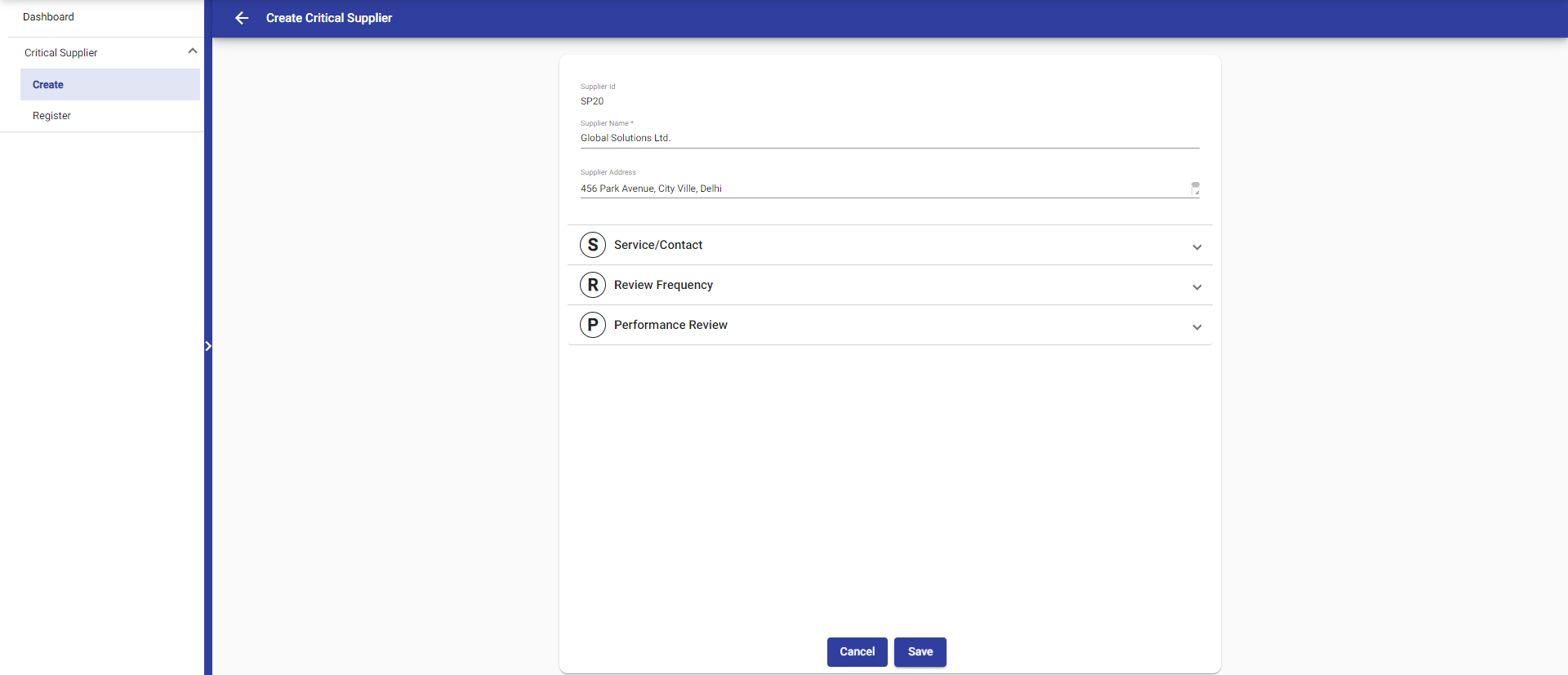
To create a supplier, there are 3 sections to fill out, along with an additional section for providing supplier information.
It is necessary to fill in the supplier's name, but the other sections can be left empty. Even if the other sections are not filled, the save button will be active. However, if the supplier's name is not filled in, the save button will remain inactive.
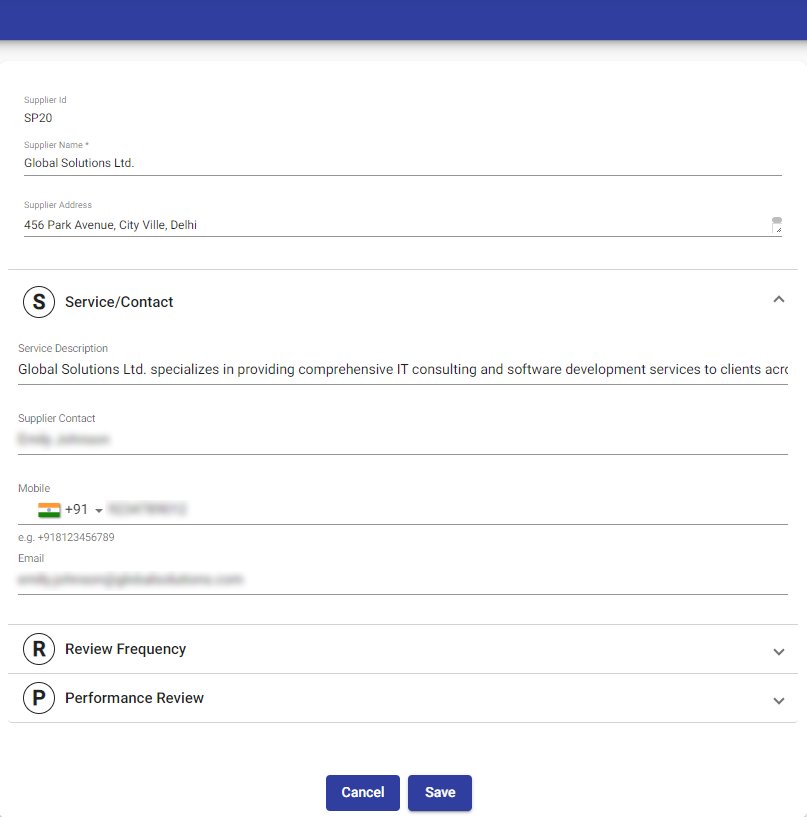
 In the Service/Contact section, you can enter contact-related information such as service description, supplier contact, mobile number, and email. The supplier contact refers to the user who maintains contact with the supplier for communication purposes.
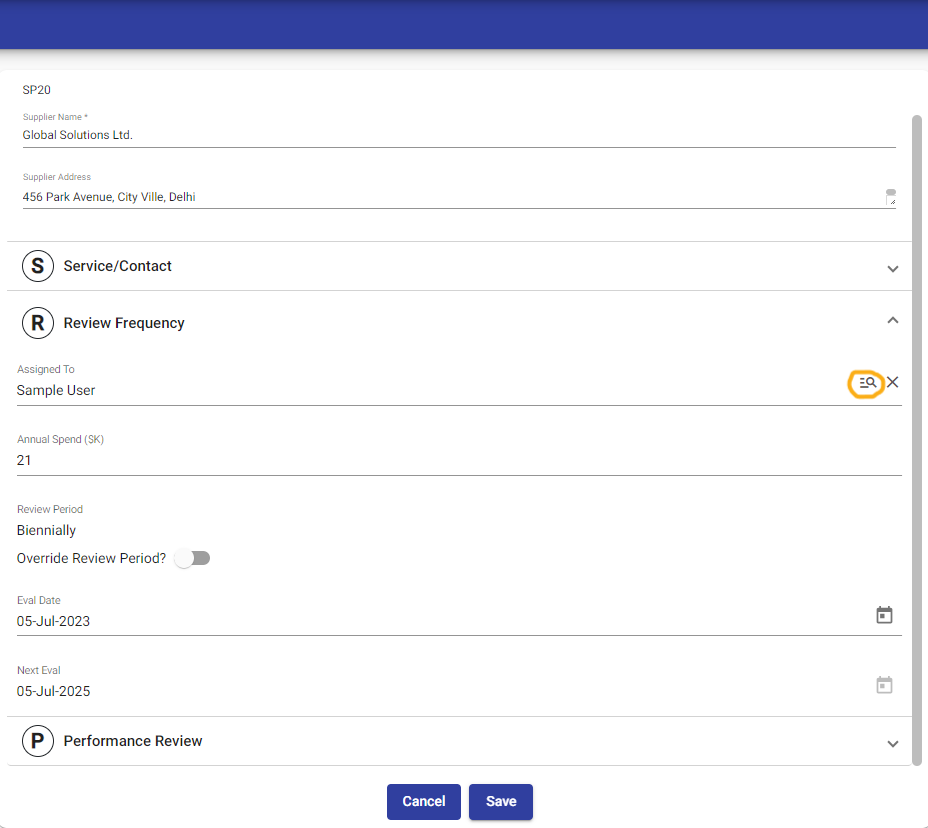
 In the Review Frequency section, you enter data based on the supplier's review frequency.
The "Assigned To" field is populated by default with the user who is currently logged in. However, it can be changed by clicking on the search icon, allowing the assignment to be modified.
In the Review Frequency section, you enter data based on the supplier's review frequency.
The "Assigned To" field is populated by default with the user who is currently logged in. However, it can be changed by clicking on the search icon, allowing the assignment to be modified.
Note : Only managers have the authority to make changes to the "Assigned To" field.
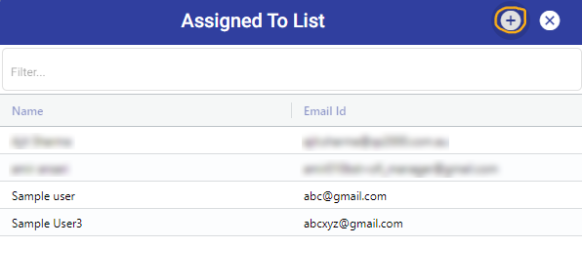
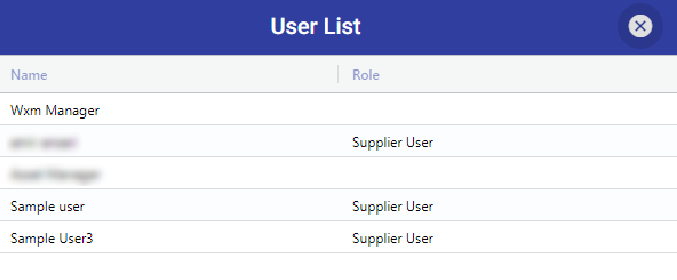
 To change a user's role, you can click on the plus icon to access the user list, where you can modify their role.
Note: Only managers have the authority to change a user's role.
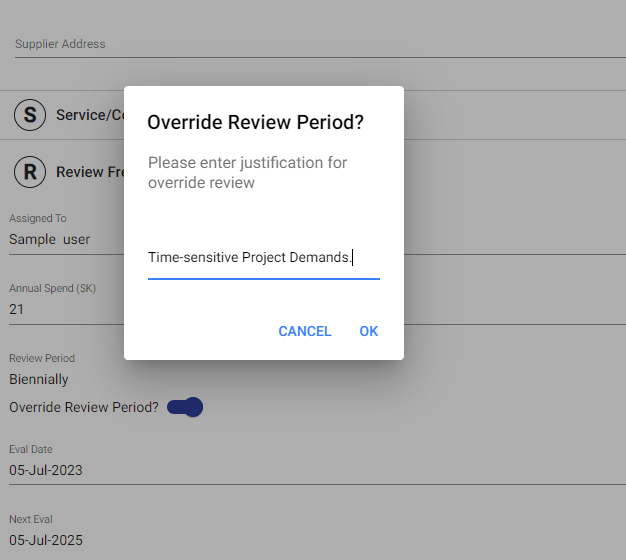
 When entering the Annual spend, the review frequency is automatically set based on that value. However, if you wish to change it, you can check the "Override Review Period" option. This will prompt a popup where you will need to provide a reason for the change.
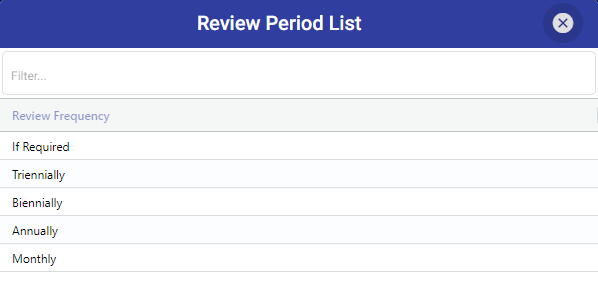
 After filling in the reason and clicking "OK," you can see the list of review period. From this list, you can select the desired new review frequency for the supplier.
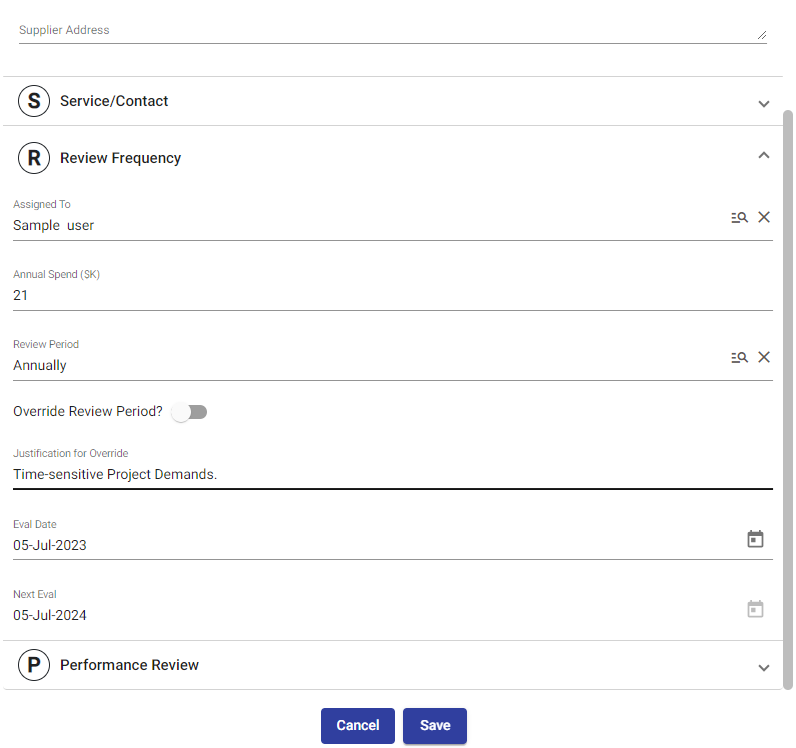
 When you change the review frequency, the evaluation dates are auto-populated. This ensures that the evaluation dates align with the updated review frequency for the supplier.
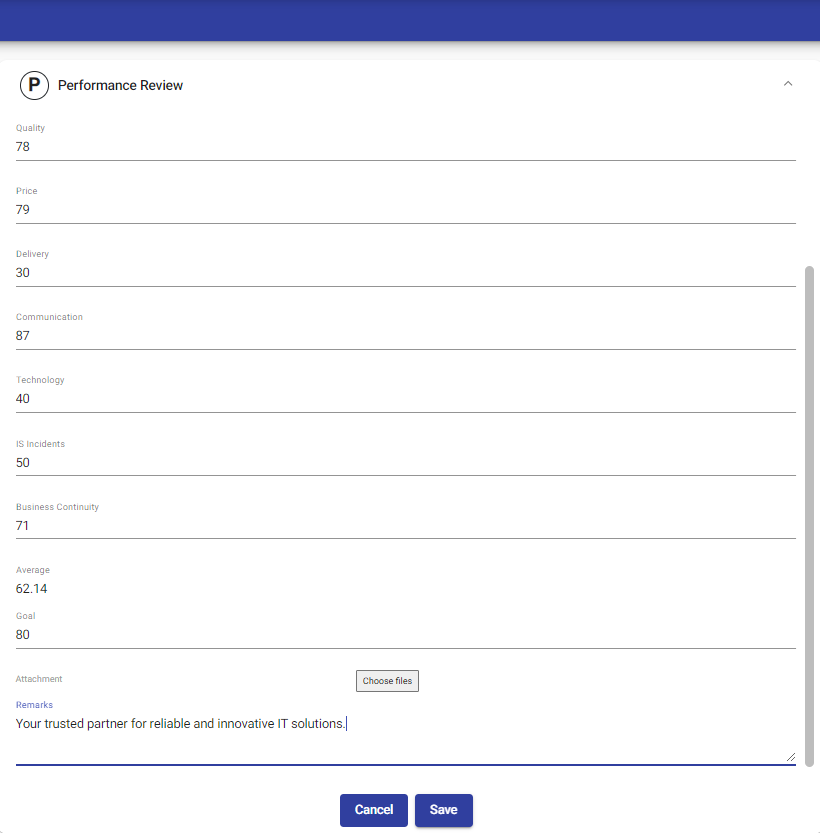
 In the Performance Review section, we assess the supplier's performance in areas like Quality, Price, Delivery, Communication, Technology, IS Incidents, and Business Continuity. These criteria are used to calculate the average performance, which is displayed. We can set goals to compare with the actual average and track any variance. Attachments can be added, and remarks can be included to provide additional information or comments.
© Tofrum, 2024 • Updated: 11-3-2024
Comment or report problem with topic
