
 Asset Group & Notification
After click on system you will see the Asset Group card and Notification card.
You can navigate to the Asset Group page by clicking on either the sidebar or the card.
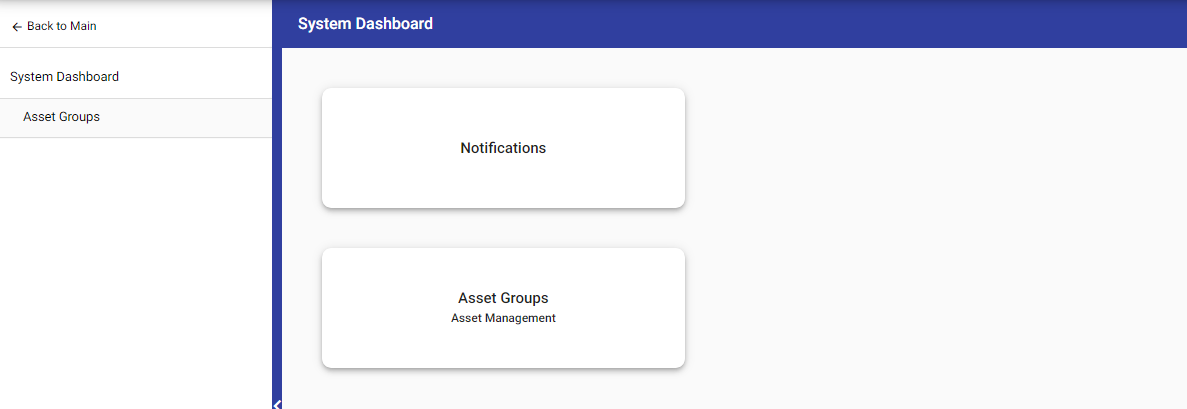 Notification: Click here to manage your notifications. Enable or disable notifications as needed.
 Asset Group: Click here to manage and make changes to asset groups.
In Asset Group, click on plus(+) to create a new group.
 If the manager wants to delete the group, he can select the asset group and click on the delete icon and then the group will be deleted.
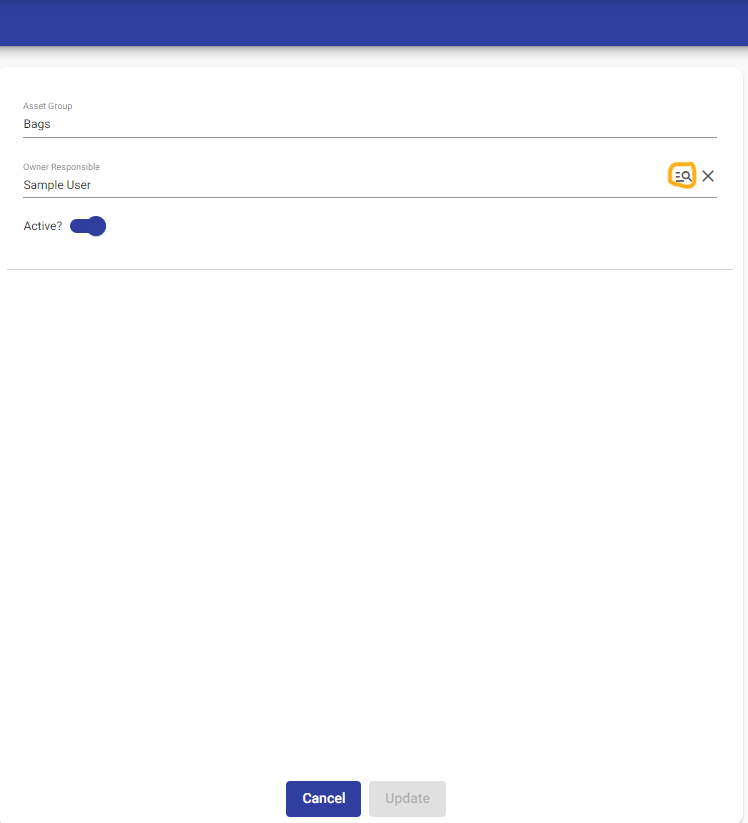
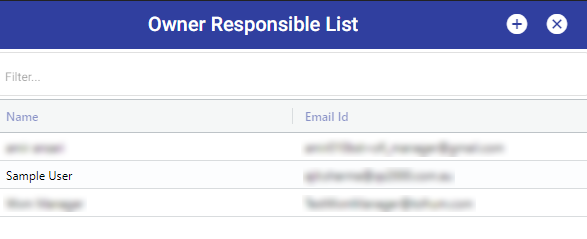
 Additionally, users have the ability to edit an asset group by double-clicking on the group itself. Furthermore, they can add a new owner by simply clicking on the search icon.
© Tofrum, 2024 • Updated: 19-3-2024
Comment or report problem with topic
