
 Review Frequency
After click on system you will see the supplier review frequency card.
You can navigate to the review frequency page by clicking on either the sidebar or the card.
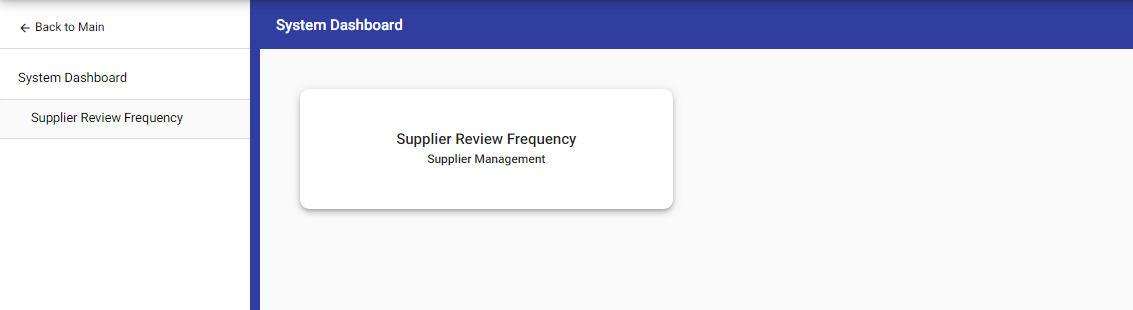 By clicking on this card, you can see the list of review frequency so that you can modify or manage the review frequency settings. This allows you to customize and control the review frequency according to your requirements.
 You can also edit the review frequency by double click on a frequency field.
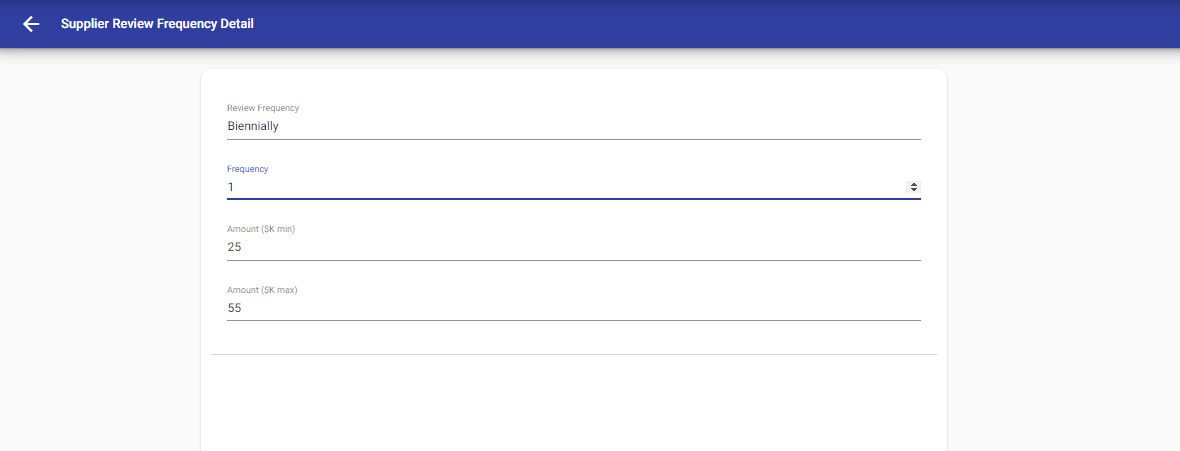 Manager have the capability to delete a single review frequency as well as perform bulk deletion. They can achieve this by clicking on the delete icon, which is located in the top right corner. This allows users to remove unwanted or outdated review frequencies efficiently, either individually or in bulk.


© Tofrum, 2024 • Updated: 11-3-2024
Comment or report problem with topic
