
 Create
To create a Legal and Other Requirements (LOR), you just need to follow these steps:
- Click on the 'Create' button.
- Fill mandatory fields i.e, LOR's name, release date, and type.
- Additionally, if you have a file to upload, you can do so and also you can set its review frequency.
- Once that's done, you have the choice to either save it as a draft or directly submit it.
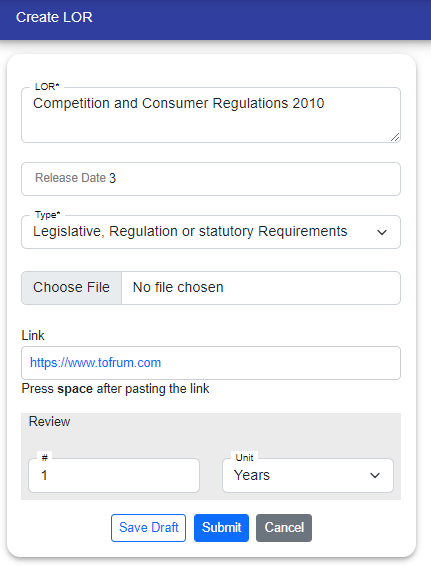
By clicking on the "Submit" button, LOR is created according to the user roles.
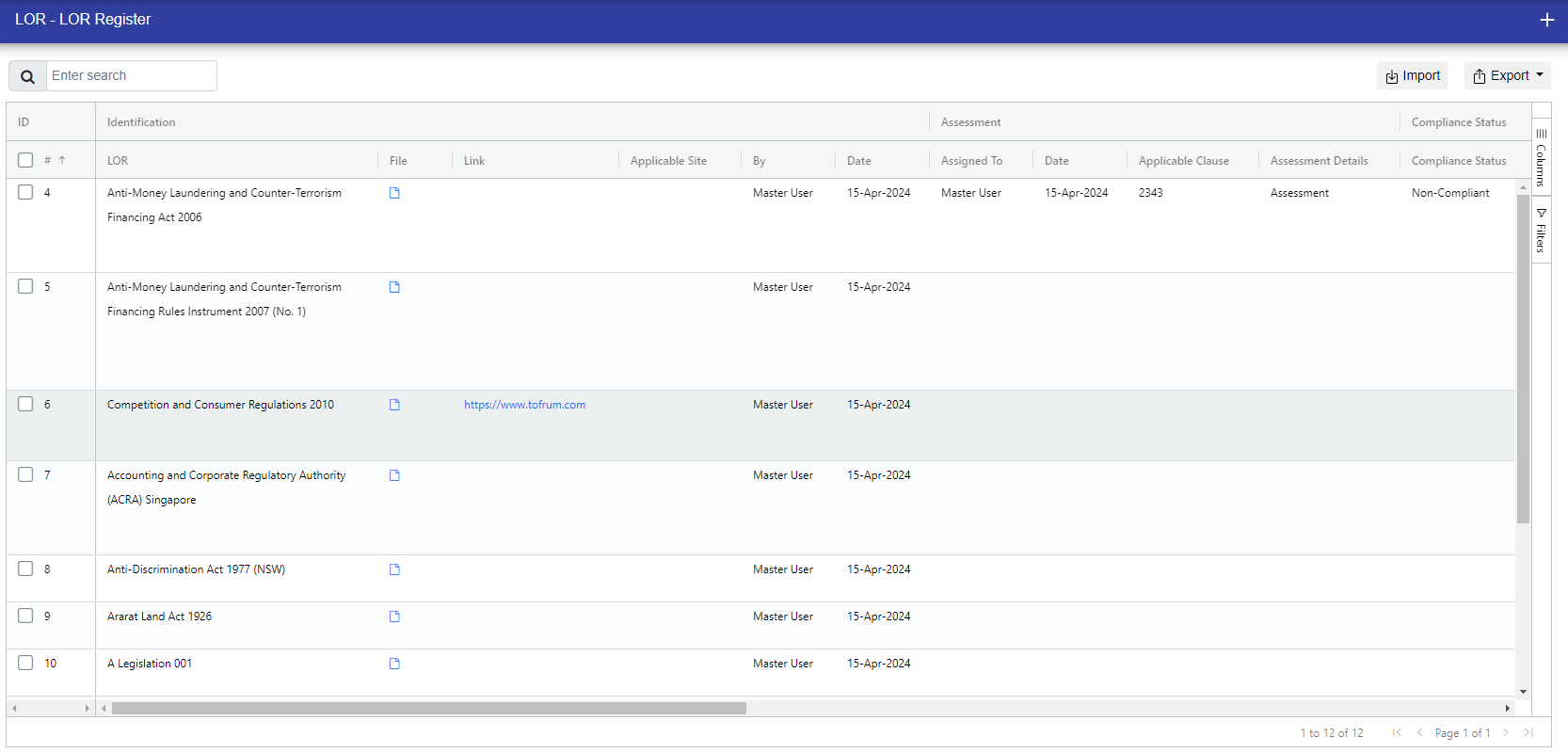
LOR Manager : On submit, the LOR will be saved in the Register to work further.
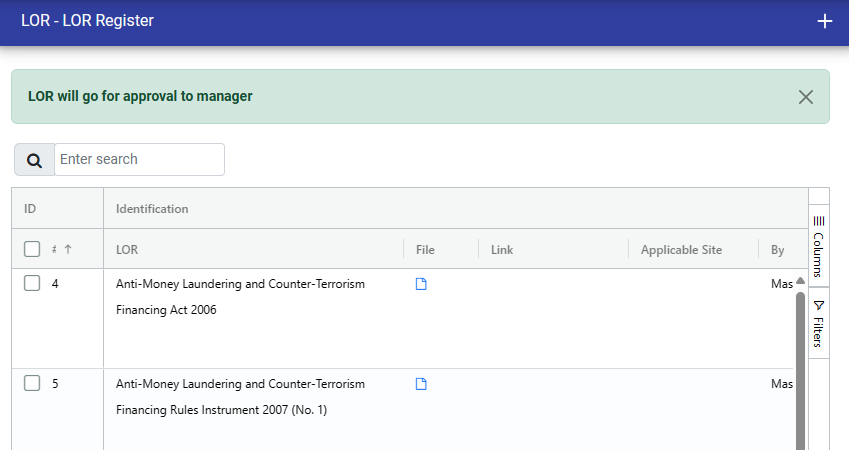
LOR User : On "Submit", the LOR will go in the Draft of the LOR manager for approval.
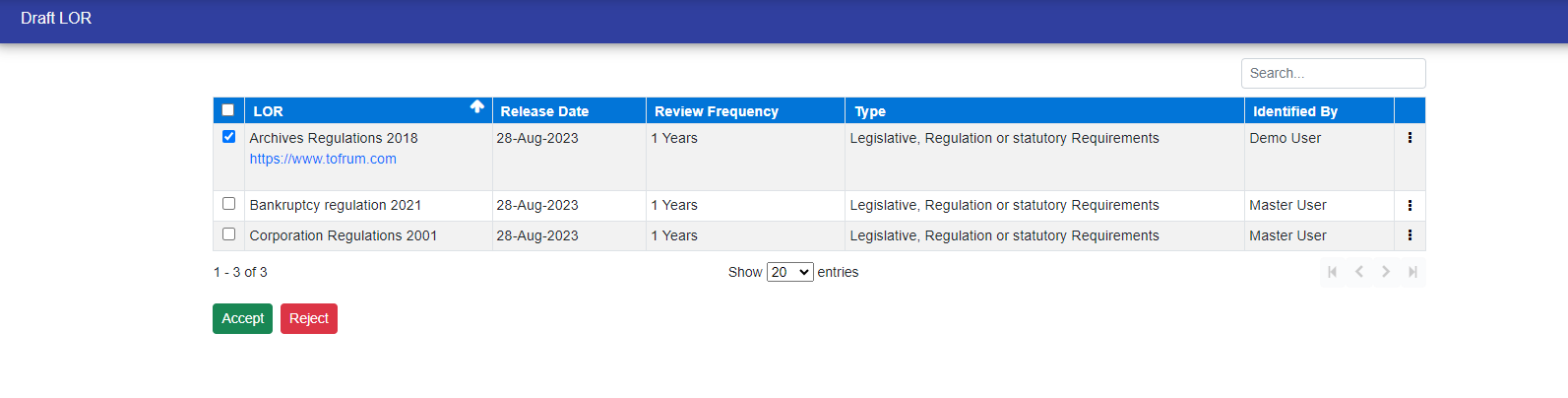
After being sent to the manager. At this point, the manager has the authority to either Accept or Reject the LOR. Additionally, they have the option to Edit, Delete, or View the details of the LOR that is currently in the Draft stage.
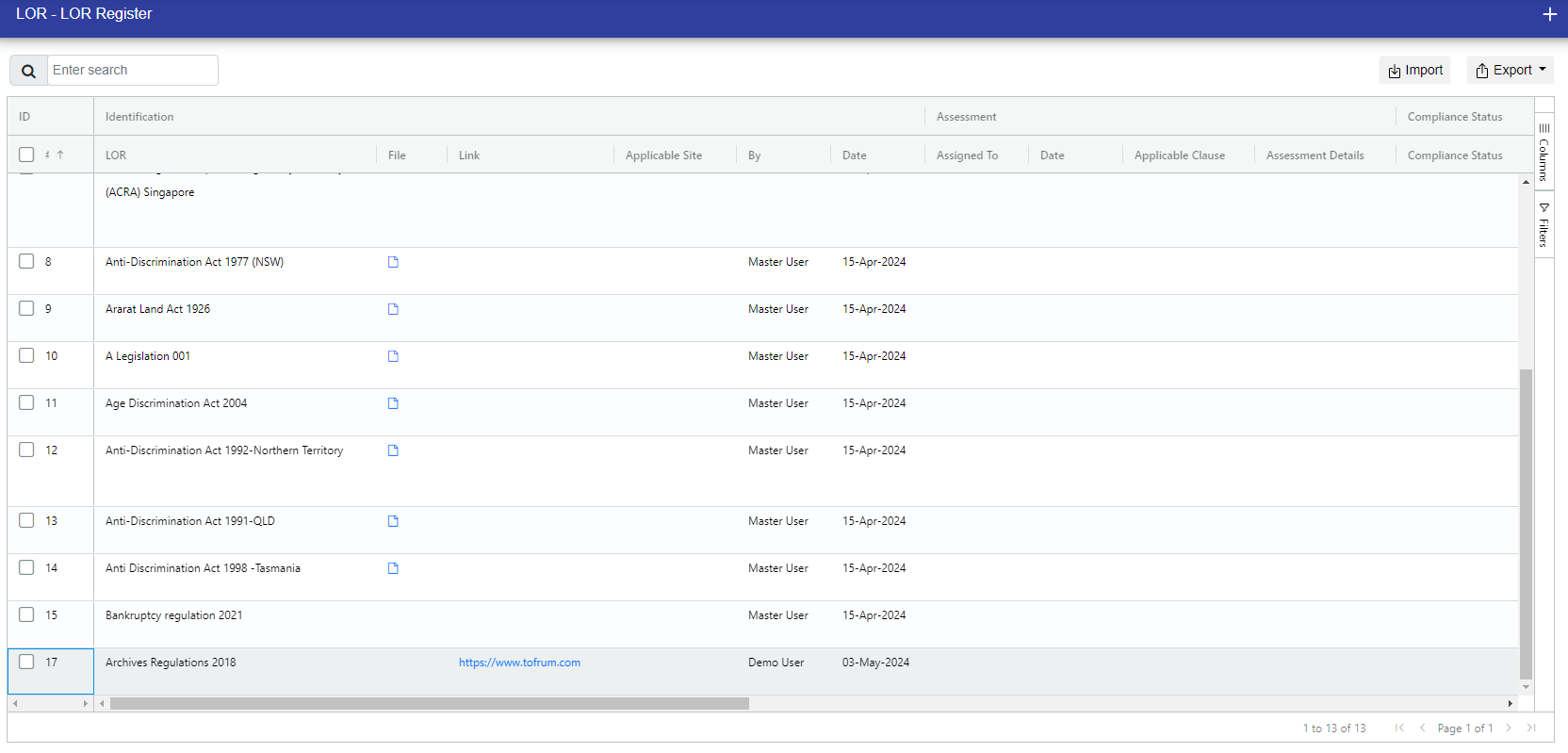
Once the manager approves the LOR that the user created, the LOR will become visible within the LOR register.
© Tofrum, 2024 • Updated: 4-10-2023
Comment or report problem with topic
