
 Draft
Draft
In LOR drafts, you can view your saved LOR drafts. Draft list appears according to the user roles.
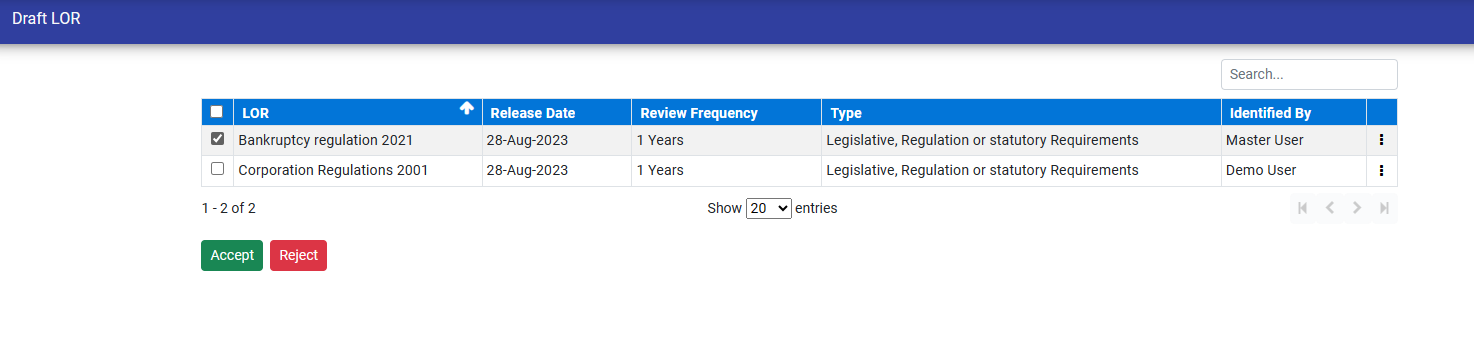
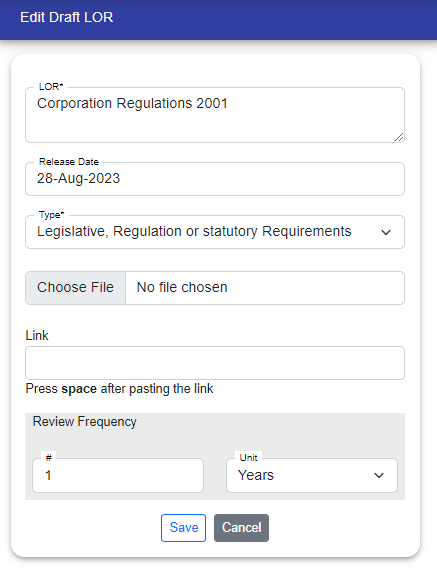
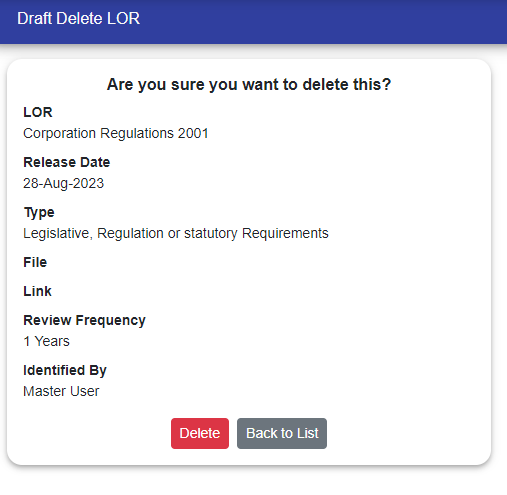
LOR Manager : The manager can view both the LORs they have saved and the LORs submitted by users for approval. You can also Edit, Delete, or view the details of these LORs as needed.

Accept LORs : Manager can select the LORs and click on "Accept" button to accept the LORs. After accepting, the LOR's appears in the Register.
Reject LORs : Manager can select the LORs and click on the "Reject" button to reject the LORs. Rejected LORs will appear in the Draft list of users who identified the LOR. If the LOR is identified by the Manager and rejected by the manager then the LOR is deleted.

© Tofrum, 2024 • Updated: 22-4-2024
Comment or report problem with topic
