
 Assessment Pending
During the assessment step, there are some required fields that must be fill out and there are certain conditions or procedures to proceed further.
- These fields become visible after the user is assigned.
- Only the user who has been given access to the LOR can edit or add data in the fields.
- And only a manager has the authority to assign a user.
After assign a LOR to user then the other require fields will be visible.


If the LOR is assigned to Manager, then only manager has rights to work on it and if manager assigns the LOR to the user then user has rights to work on it.
If the LOR is assigned to manager, then he/she will work on it.

If the LOR is assign to User, then he/she can accept or decline to work on it accordingly.
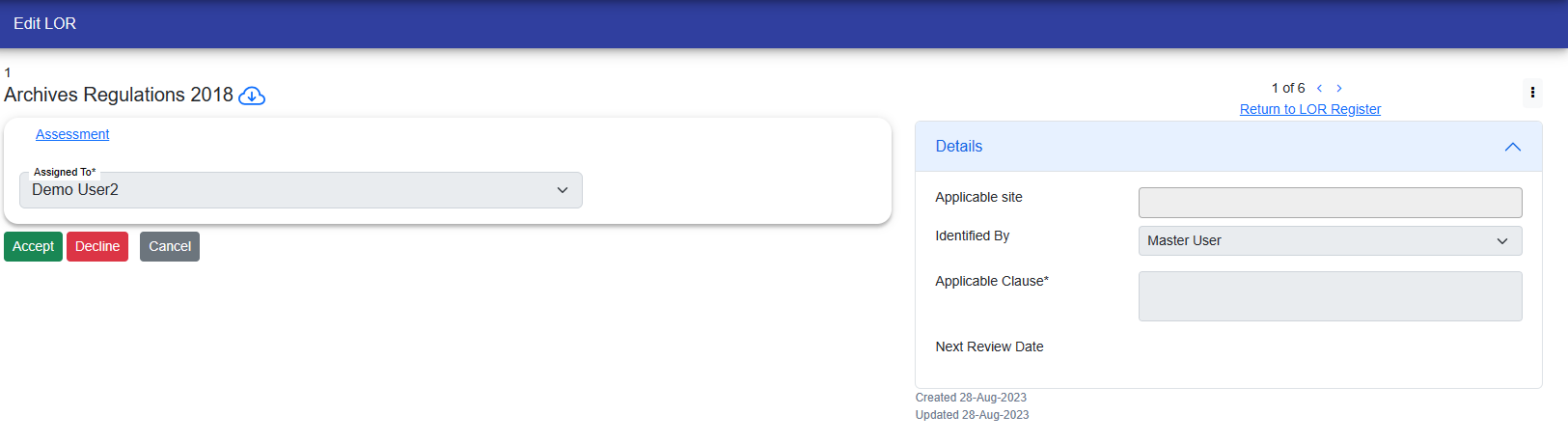
If User clicks on the "Accept" button, so he/she can work on LOR. if the User clicks on "Decline" button then he/she has to give reason to decline the LOR.
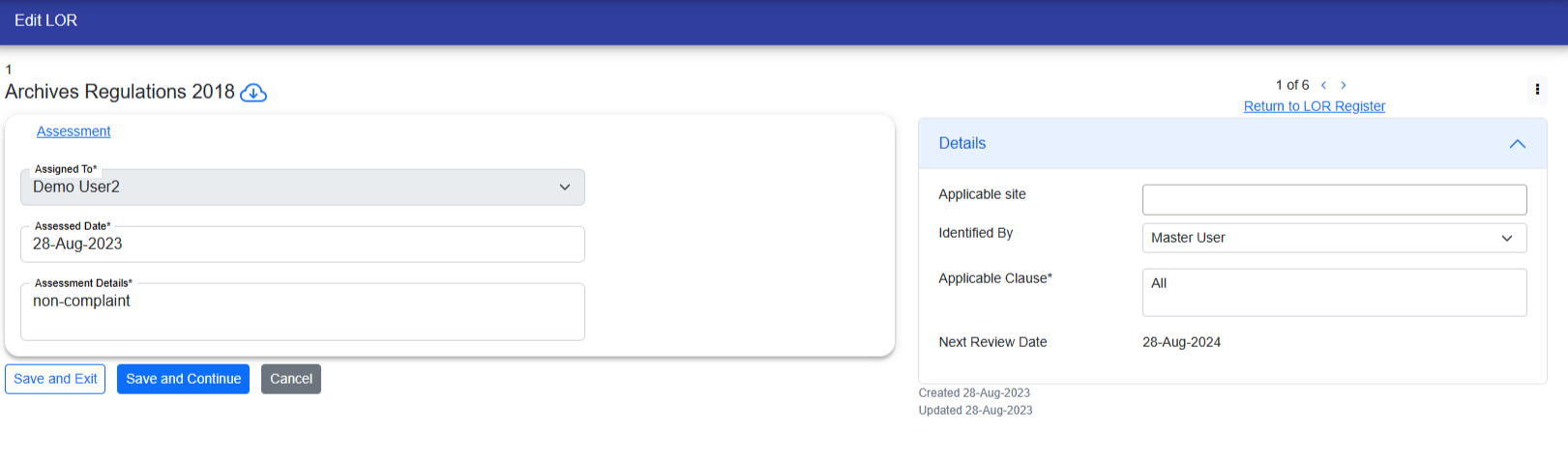
If User declines the LOR with a reason, then the LOR is assigned to manager again.

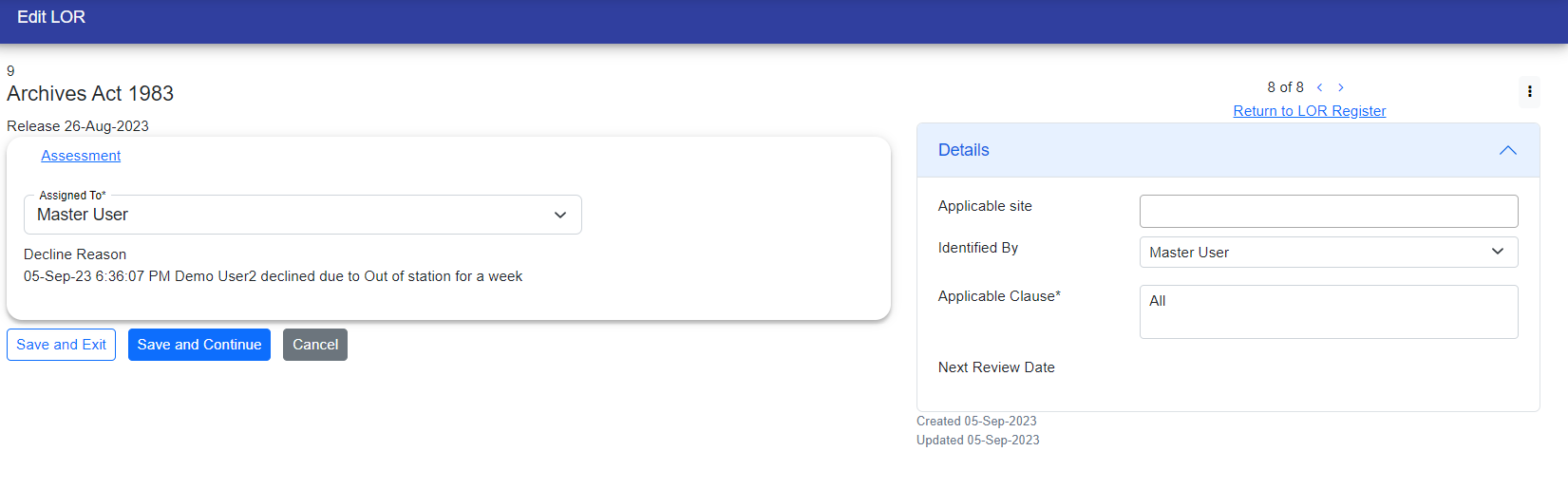
Now if the manager wants then he/she can work on it or the manager can assign any other user to work on it.
© Tofrum, 2024 • Updated: 7-10-2023
Comment or report problem with topic
