
 Reallocate User/Bulk Edit
When you want to relocate the LOR responsibility of a user to another user due to some reasons then you can do it from this page.
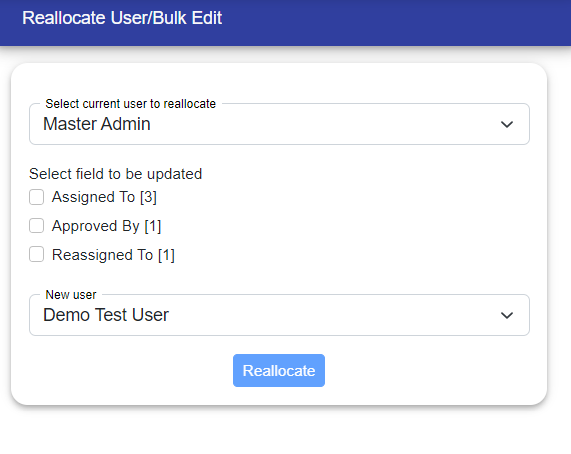
Step 1: You have to select the current user to relocate.
Step 2: Select for which field you have to relocate i.e, Assigned To, Approved By and Reassigned To Fields.
Step 3: You have to decide that you want to update All LORs or Partial LORs assigned to the current user.
If you select partial LORs to update you can see the list of LORs assigned to the current user. You can select the LORs to be updated from the list.
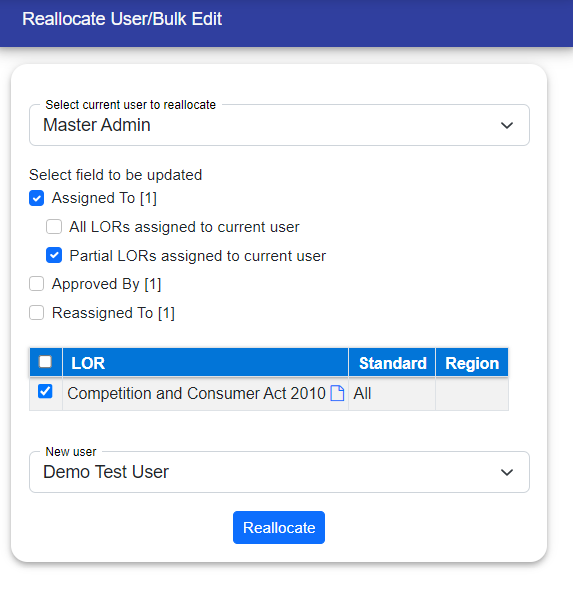
If you select All LORs to be updated, then all LORs assigned to the current user will be updated.
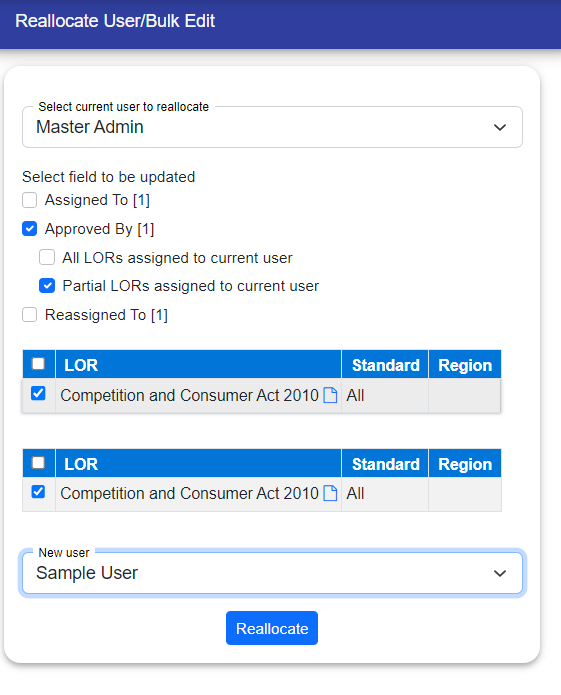
Step 4: Select a New User.
© Tofrum, 2024 • Updated: 7-10-2023
Comment or report problem with topic
