
 User Reallocation
User reallocation in risk management can involve assigning a User or User Group to either:
- All Risks: The User/User Group is responsible for managing all existing risks.
- Partial Risks: The User/User Group is assigned to specific risks or a subset of risks for more granular responsibility.
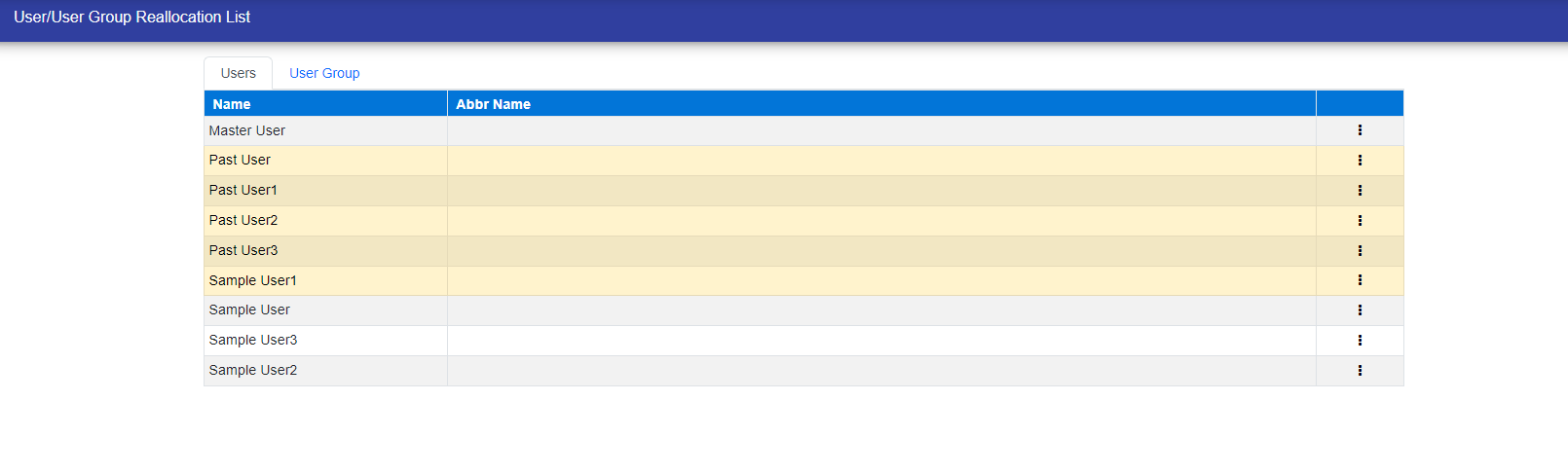

You can reallocate User/User Group by simply clicking on the three-dot icon.
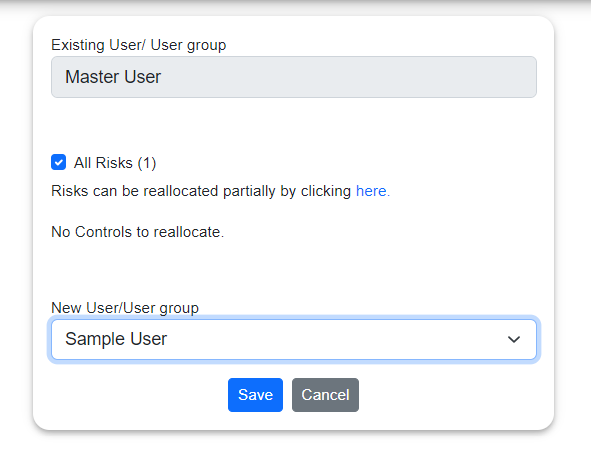
Here, you can select All Risk or partially risk.
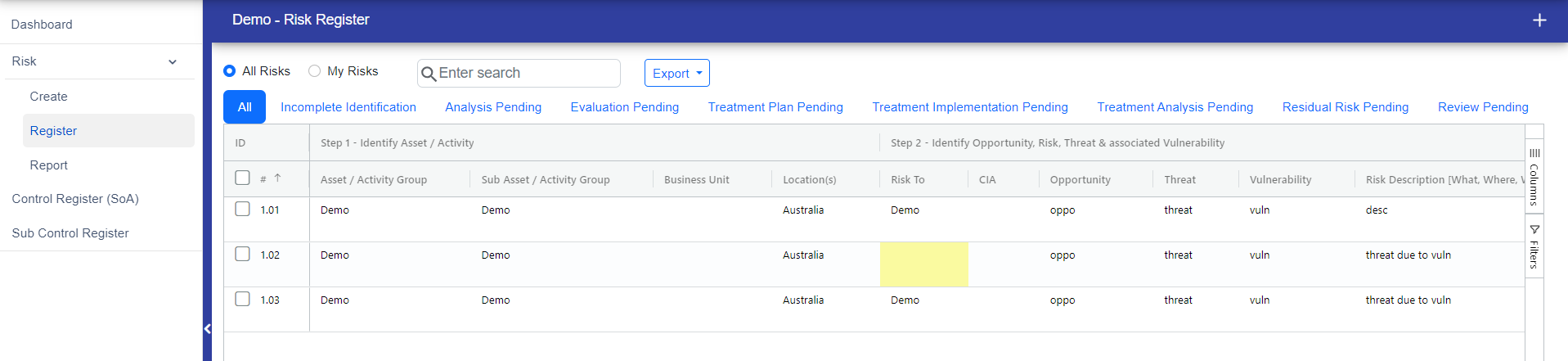
If you want to partially reallocate User/Usergroup then click on "here" and you will redirect to risk register page where you can choose the risk to reallocate the User/Usergroup.
© Tofrum, 2024 • Updated: 5-12-2023
Comment or report problem with topic
