
 Review Pending
In the "Review Pending" stage, LORs appear when their next review date is less than 1 month.
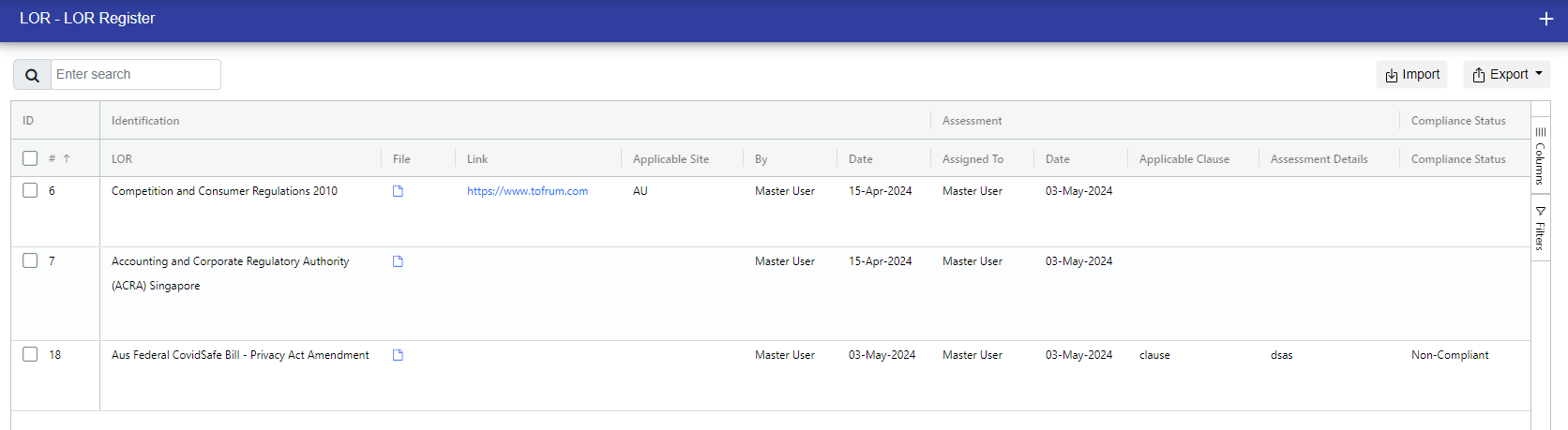
When reviewing the LOR, you have two options: "Review Without Changes" and "Review With Changes." Choose based on your requirements.
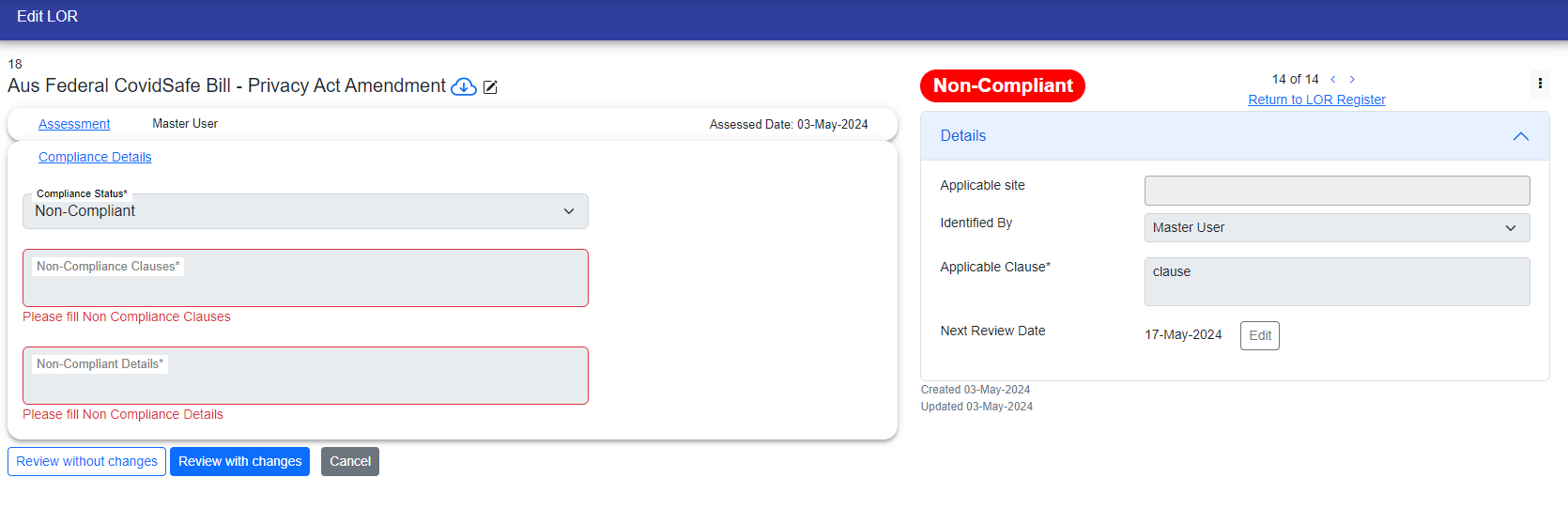
Review without changes:
When you click on Review without changes button, then the below popup appears. When you review the LOR without changes then only Next Review Date and Last Review Date is update. Next Review Date is updated based on the review frequency.
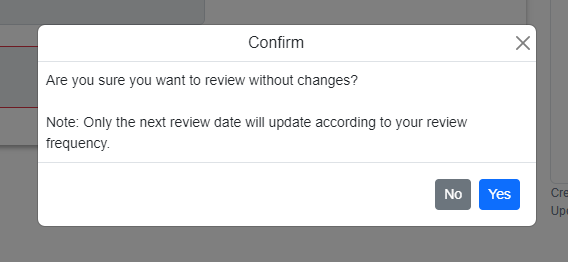
If you click No, then It will not be updated. If you click yes then it will be updated
Review with changes:
When you click on Review with changes button then the below popup appears, which asks that do you want to update LOR name, file and/or release date.
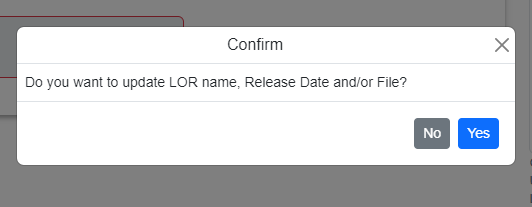
If you click No then following popup appears, which asks you that do you want to review without changes.If you click yes, then the LOR is reviewed without changes and If you click on Review Later button then you can review accordingly.

If you click yes, that you want to update LOR name, Release Date and/or file, then another popup appears where you update all the three fields.

After filling the fields as required, you can click on Save button to save the data. After clicking on save button, another popup appears as below.
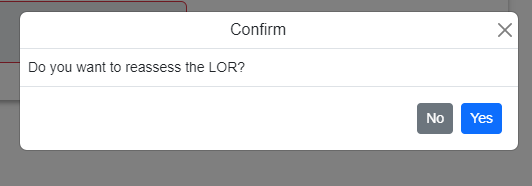
If you click on Yes button, then all the steps data is removed, and you have to reassess the LOR again.
If you click on No button, then only the above edited fields data will be saved, and you can manually edit the other fields as per your requirements.
LOR Review has completed here.
Additionally, you can view or edit the next review date in the right side, located below in the "Applicable Clause" field.
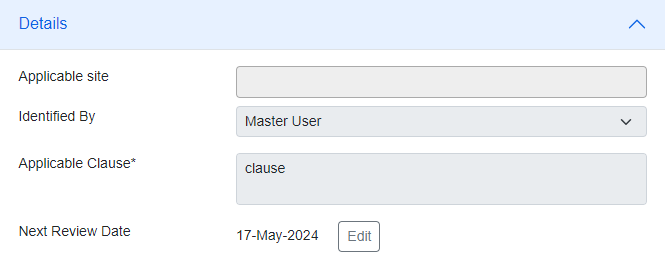
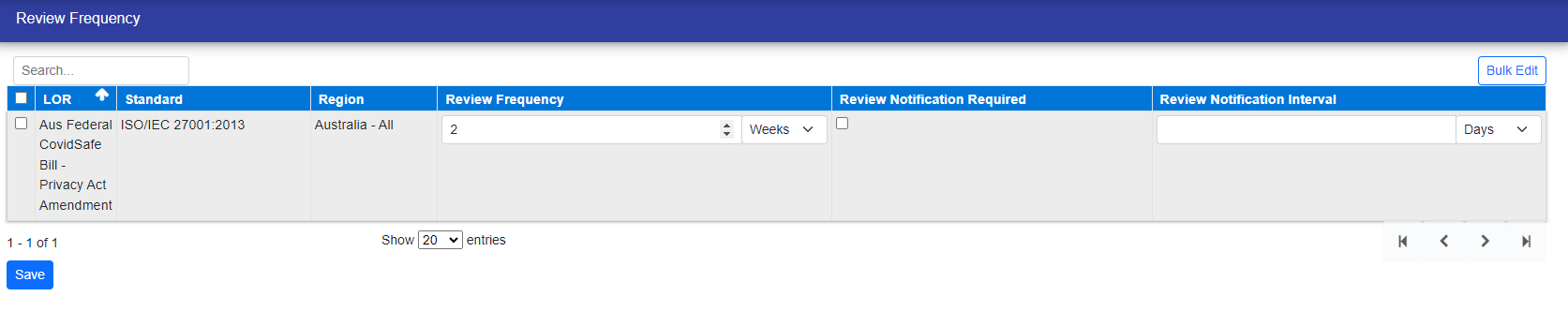
When you click on "Edit," you'll be redirected to the review frequency page. There, you can update the next review date based on your requirements.
Manual Review:
You can manually review the LORs as per your requirements.
You can click on the three dots at the top right of the page, then click on Start Manual Review.
After clicking on it Start Manual Review, All the fields are disabled, and review buttons appears. You can review the LOR with the two above ways described.

© Tofrum, 2024 • Updated: 20-12-2023
Comment or report problem with topic
