
 Active
In the 'Active' section, you can see the LORs which are currently active and perform operations, such as editing, deleting etc.
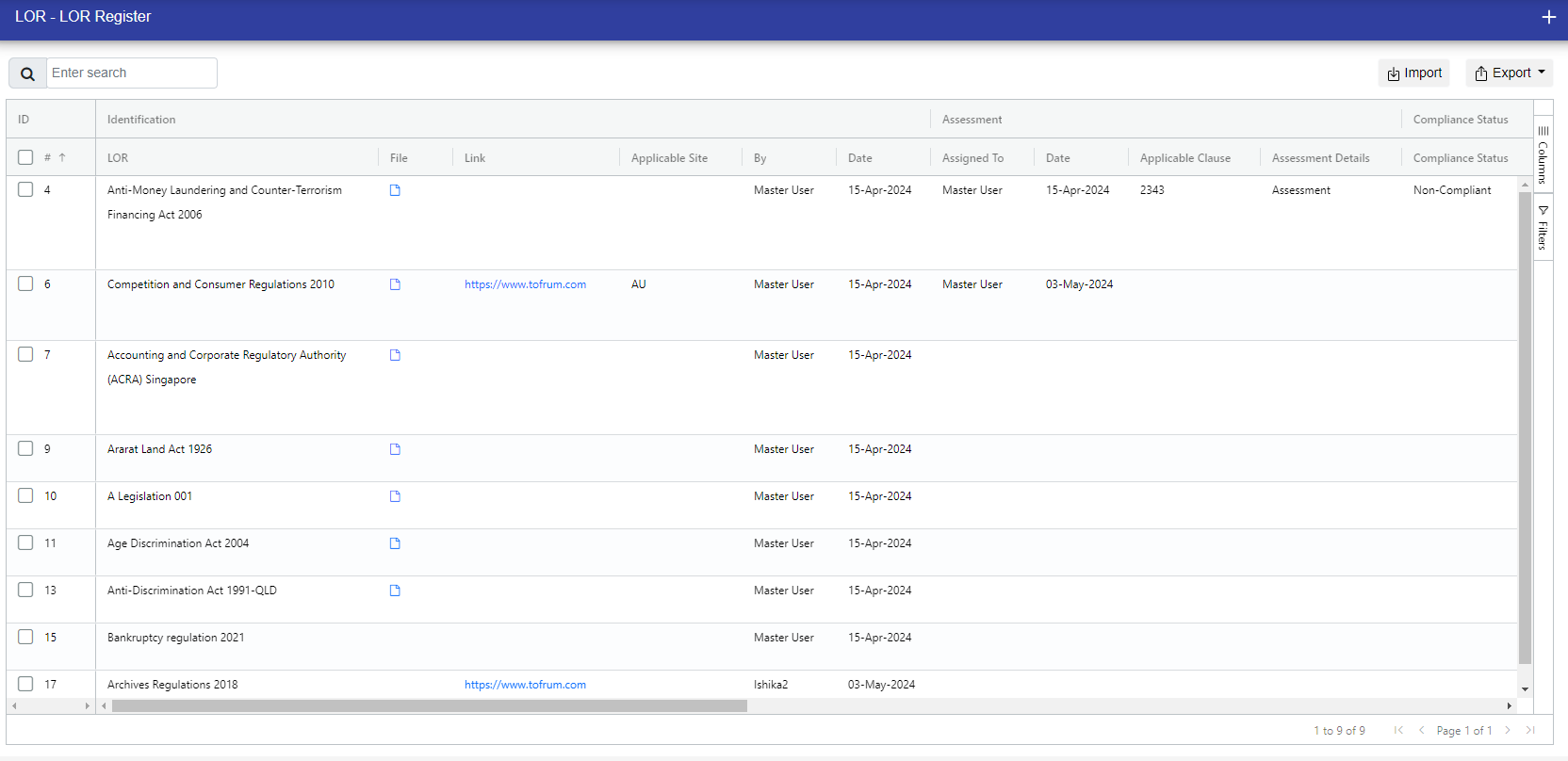
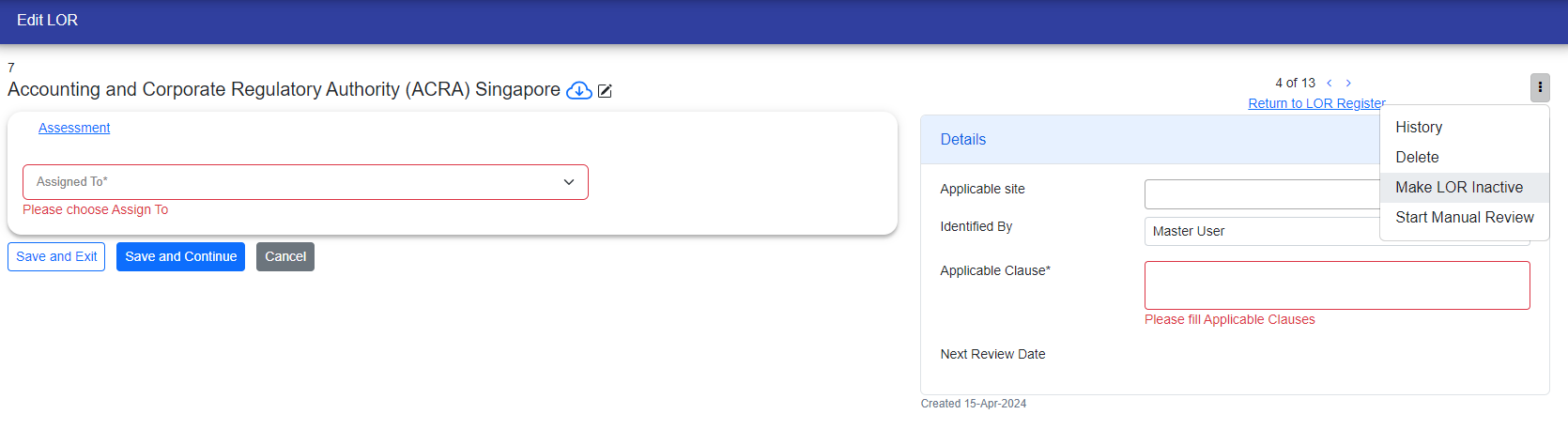
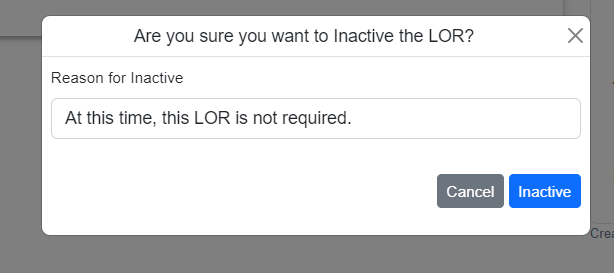
Additionally, to InActive an LOR, go to the edit page, click on the three dots, and choose the 'Inactive' option. You'll need to provide a reason for InActive the LOR.
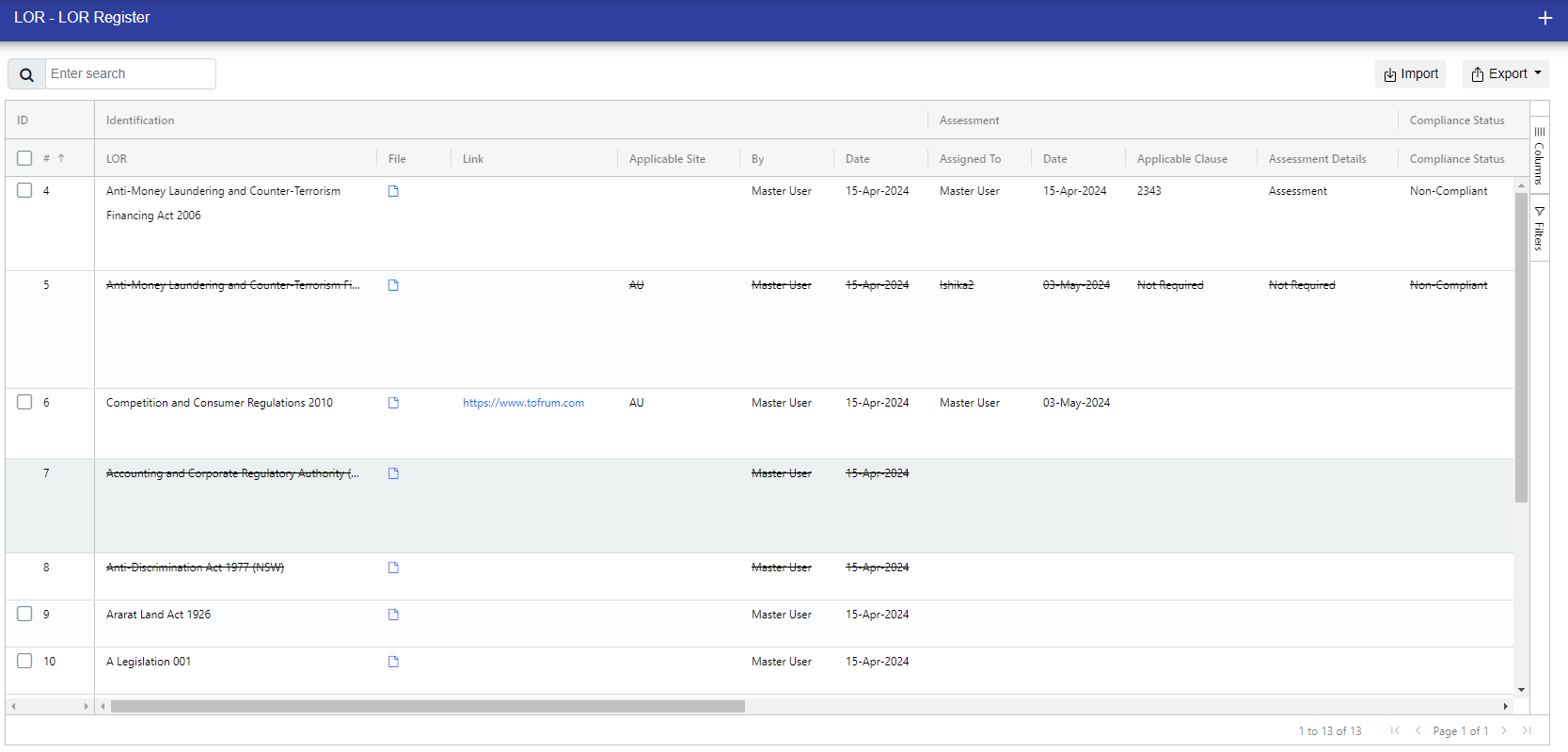
After Inactivate the LOR, you can see it either in the LOR register or in the 'Inactive' section of LORs.
© Tofrum, 2024 • Updated: 12-12-2023
Comment or report problem with topic
