
 InActive
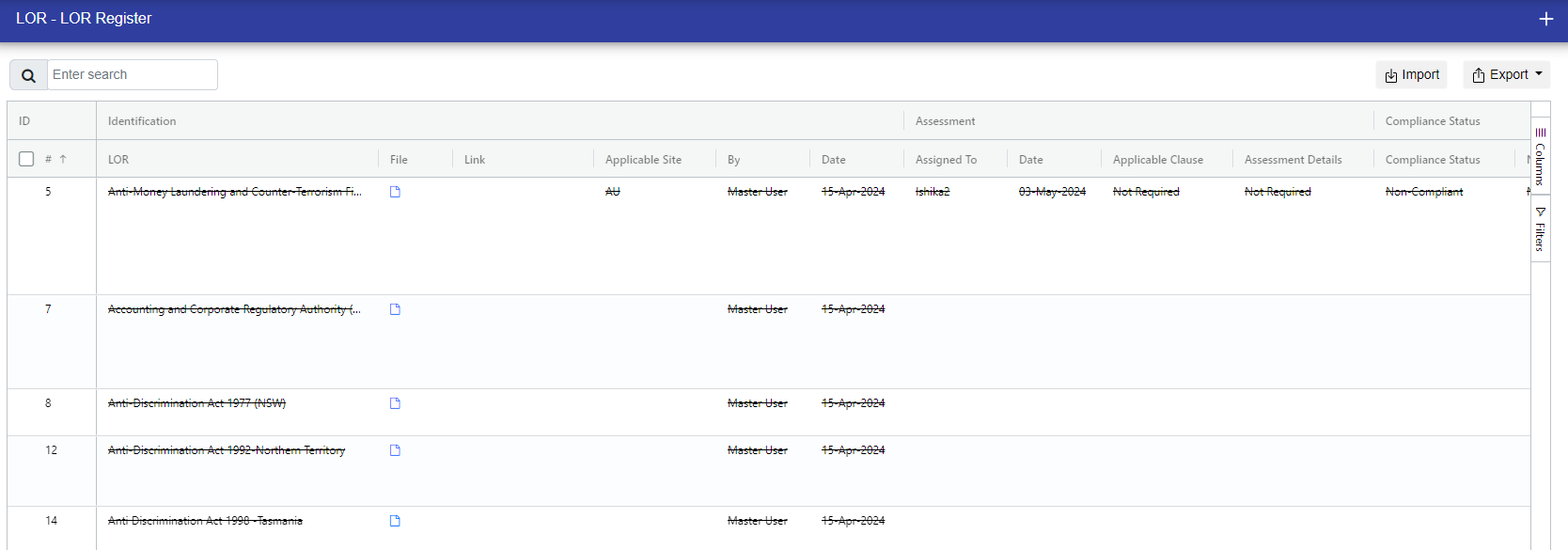
In the 'Inactive' section, you can view LORs that are currently not active for any reason. If an LOR is inactive, you can only view it; no operations like updating or deleting are allowed.
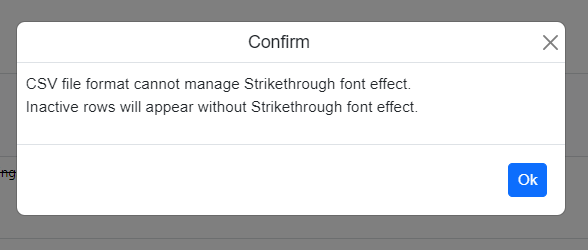
When exporting LOR as a CSV file, you'll receive a confirmation popup. This popup lets you know that the inactive LORs won't appear in the CSV file with a strikethrough.
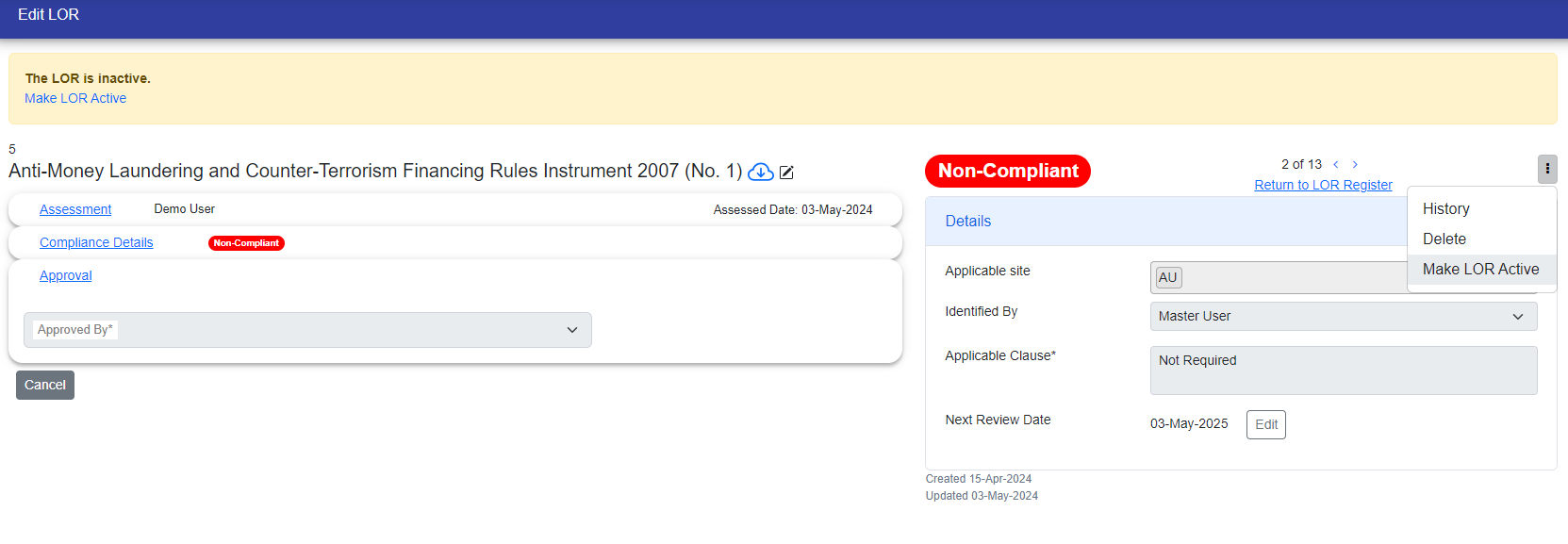
If you need to reactivate an LOR, go to the edit page, click 'Make LOR Active' link, or click on the three dots and choose 'Make Active LOR.' Provide a reason for reactivation.
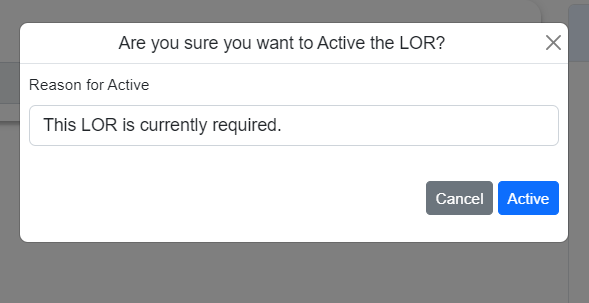
After Activate the LOR, you can see it either in the LOR register or in the 'Active' section of LORs.

© Tofrum, 2024 • Updated: 21-2-2024
Comment or report problem with topic
