
 Review Pending
When we accept a risk next review date can be scheduled automatically based on the review frequency, or we can set it manually if needed. If the scheduled dates are within 7 days, the risk moves to the "Review Pending" stage.
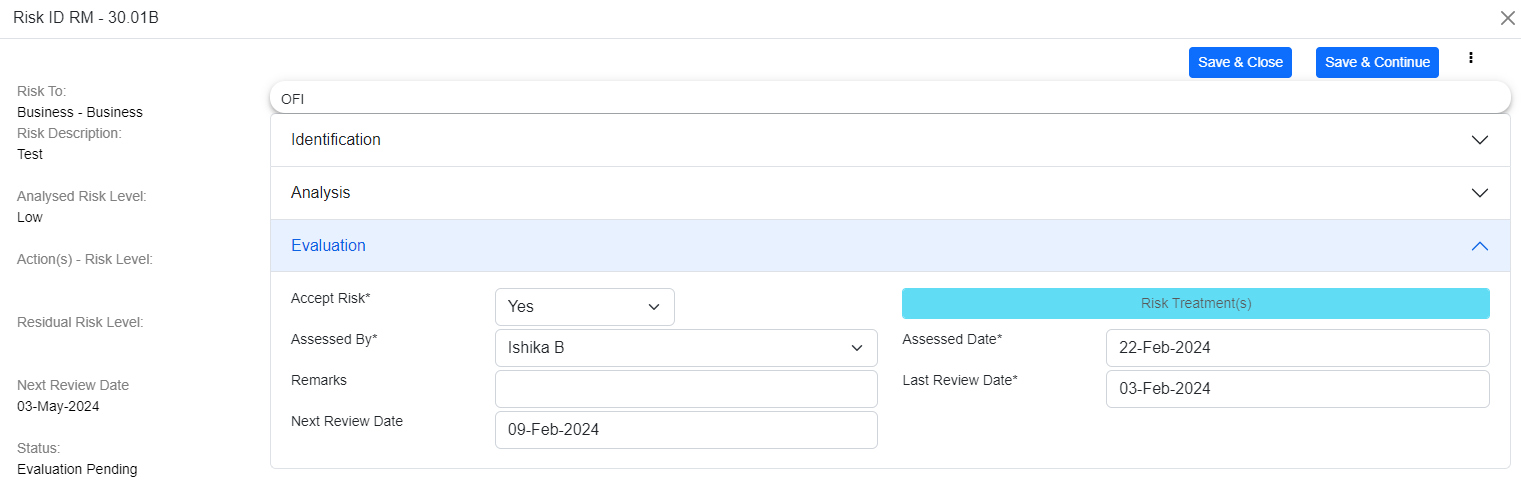
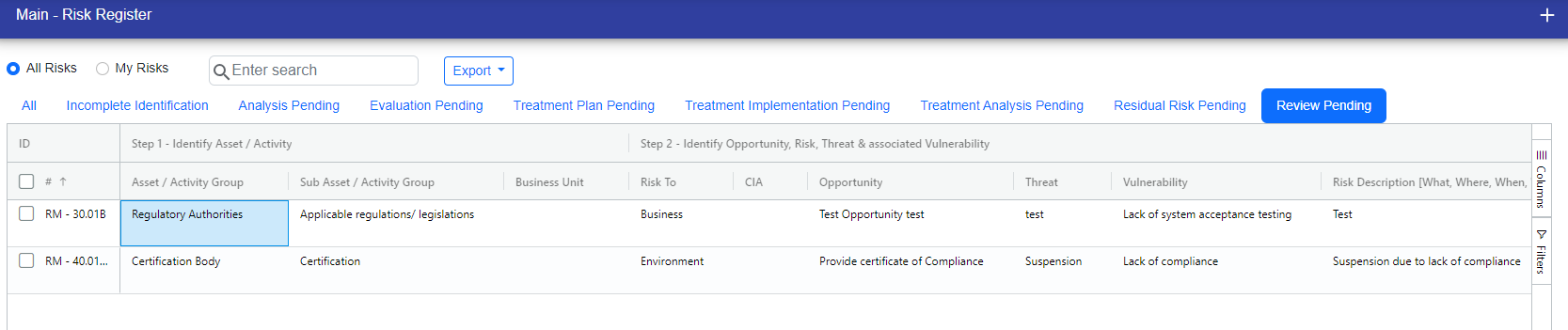
You can update the next review date and click on "Continue" button. If the next review date is scheduled within 7 days, it stays in review pending status; otherwise, it returns to its original stage.
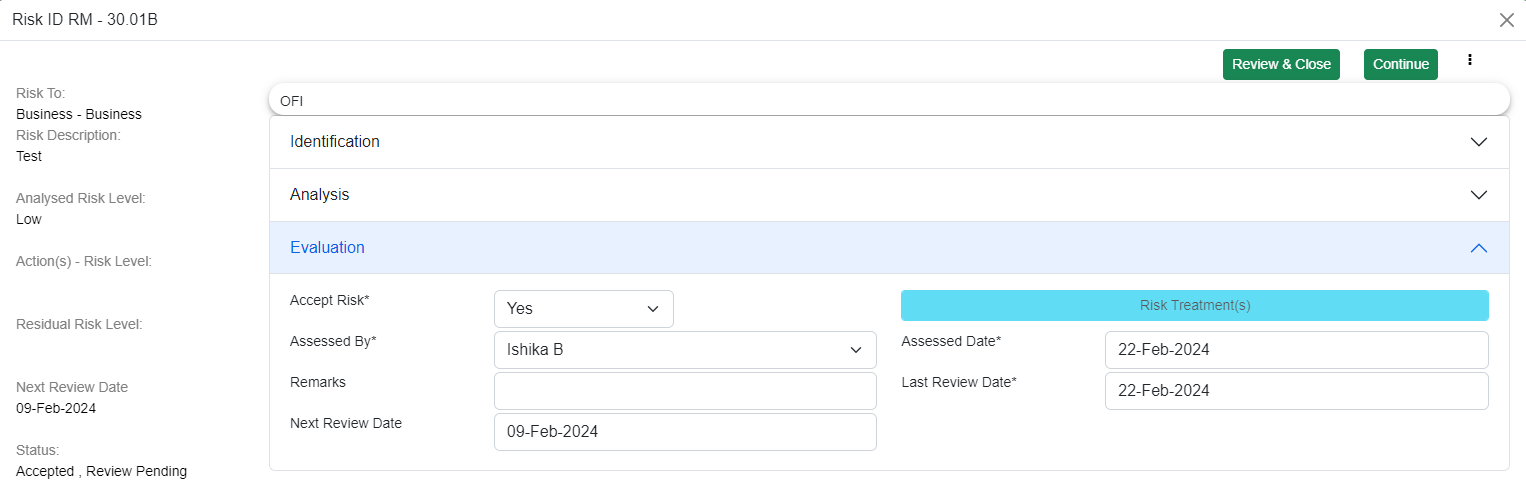
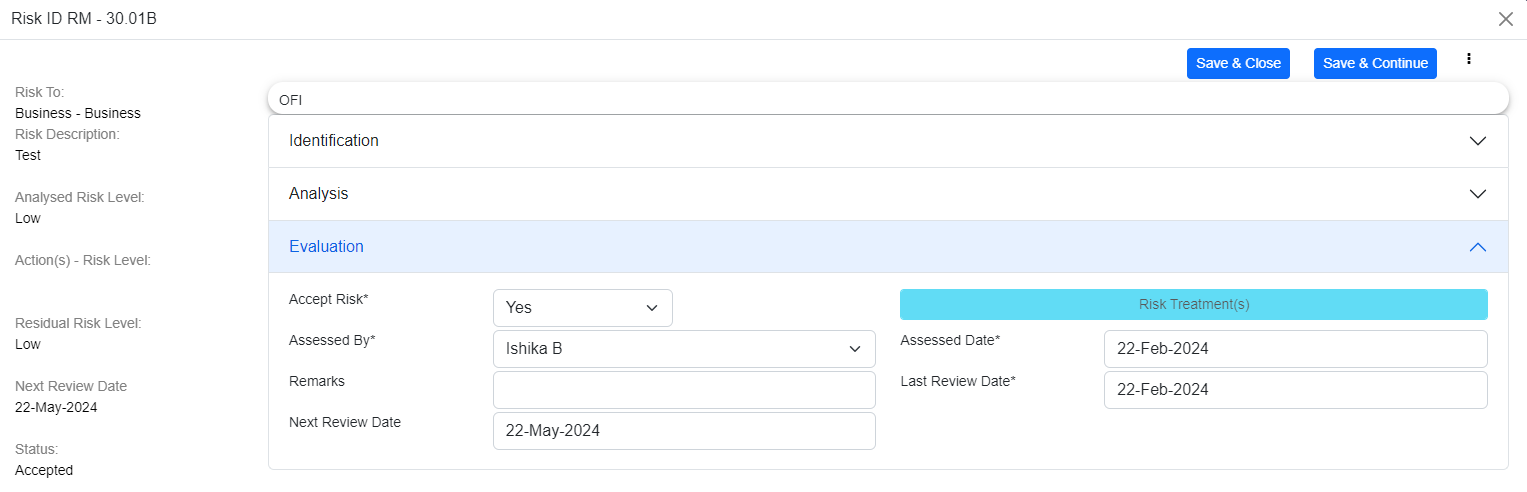
If you click on "Review and Close", then the risk is reviewed and it will be moved from the review pending stage, the last review date is updated to the current date, and the next review date is scheduled based on the review frequency.

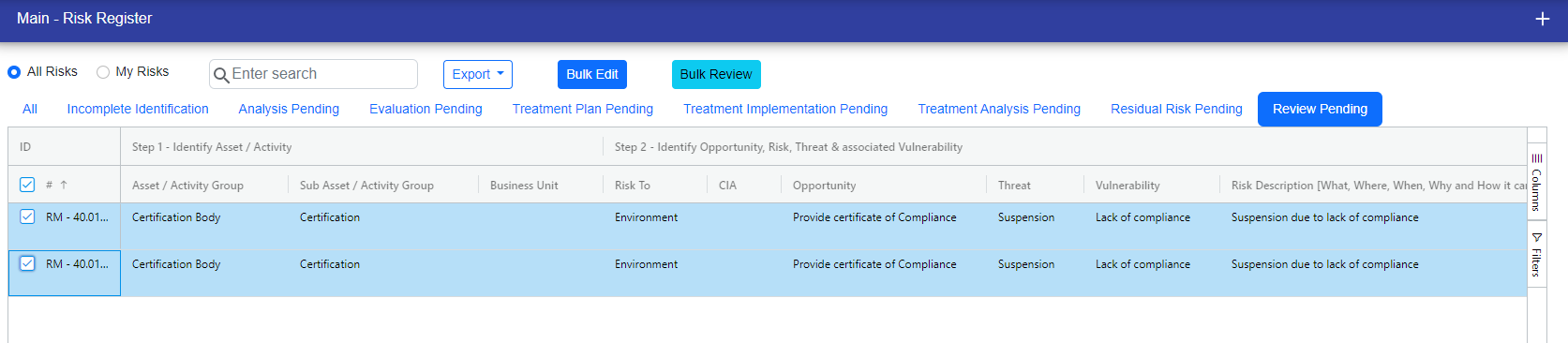
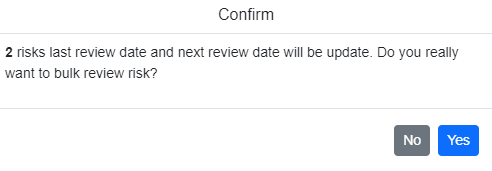
Additionally, you can bulk review risks. After selecting the risks and clicking on "bulk review," a popup will appear indicating that the last review date and next review date will be updated accordingly.
© Tofrum, 2024 • Updated: 27-2-2024
Comment or report problem with topic
