
 Register
In the record register, you can view all the records, including folders, their subfolders, and files that you've created. Additionally, you can perform various operations such as viewing, adding new folders/files, or deleting them.
And you can also perform sorting by clicking on "Folder/Files"
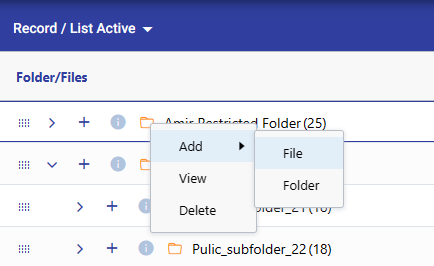
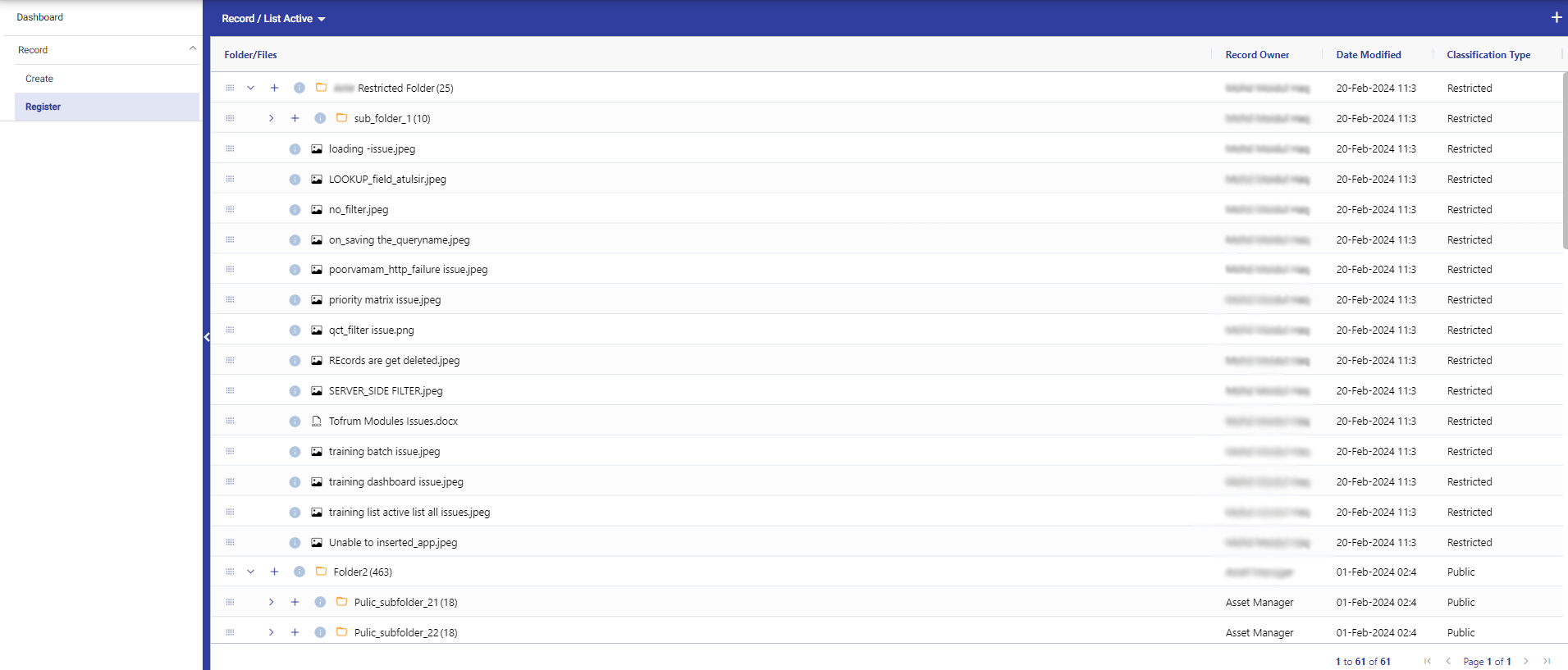 Additionally, Right click on any folder to add file/sub folder, view and delete folder.
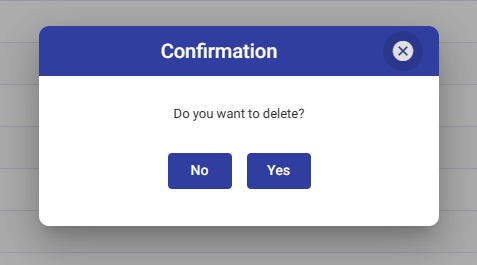
Note : Only manager can perform the deletion of any folder.
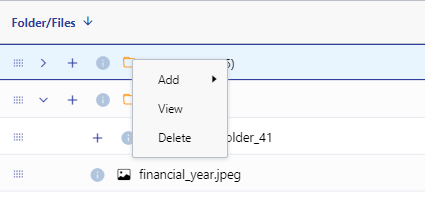 Add Folder/File :
 Delete Folder/File :
 View Folder/File : If your folder/file is restricted, the manager has access to add or remove restricted members.
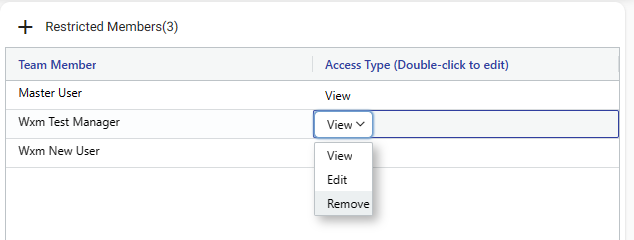
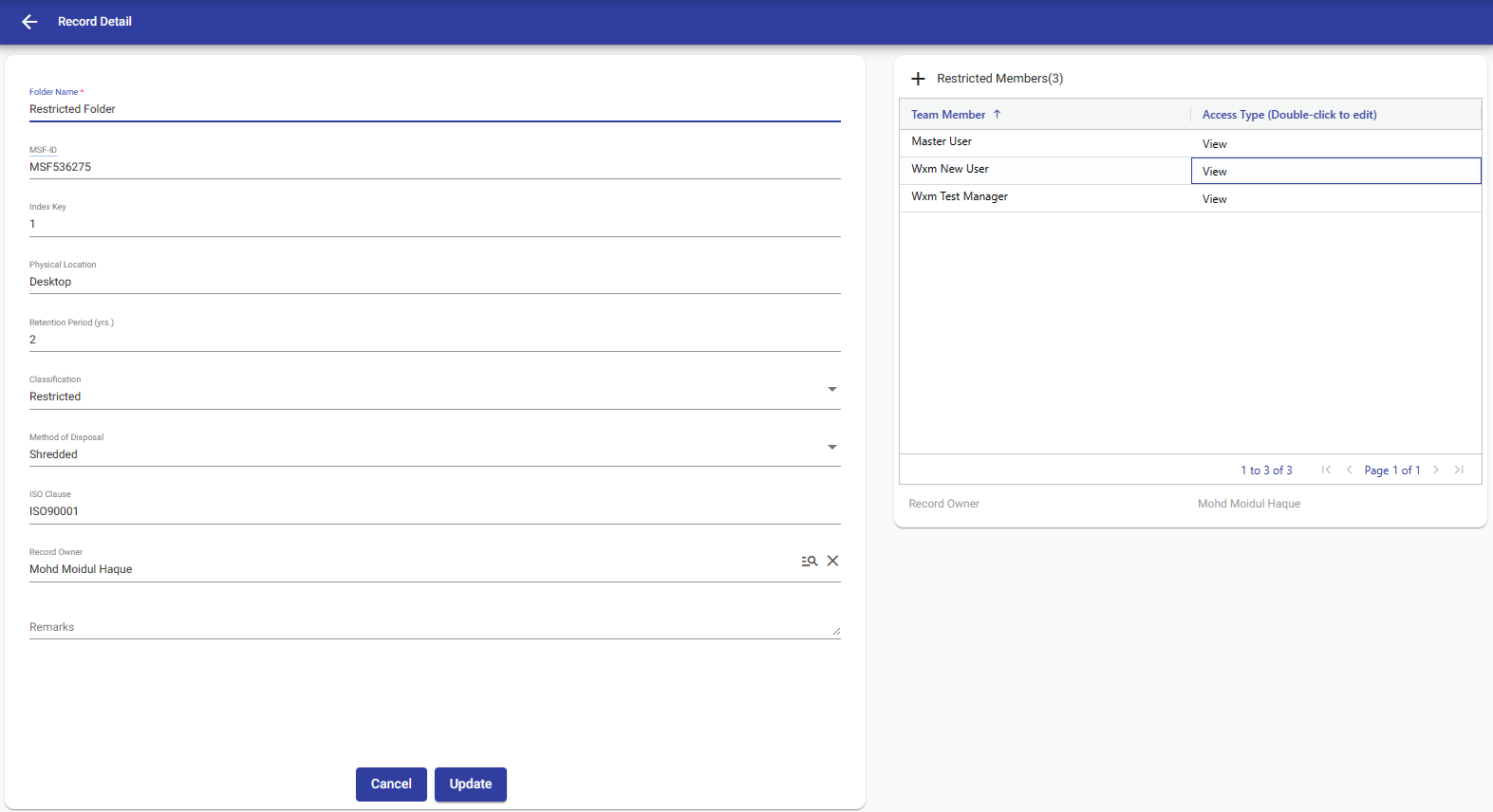 Additionally, managers can change the access type of a user by double-clicking on the "Access Type" column.
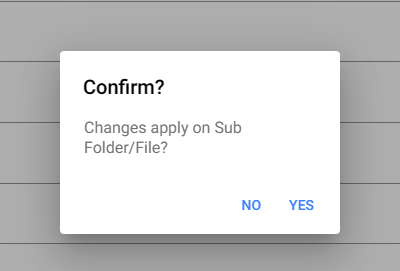
 After updating, a popup will appear asking if you want to apply changes to subfolders. If you click "Yes," the changes will be applied to subfolders accordingly; otherwise, they will remain in the same condition.
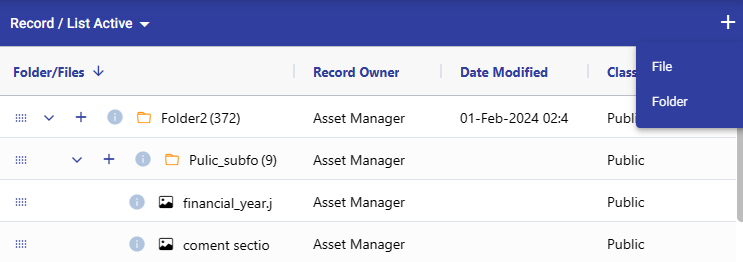
 You can also directly add record by click on plus icon in the top right corner.
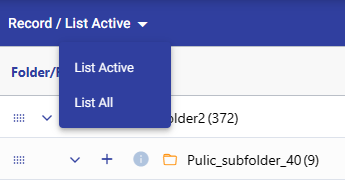
 And you can filter records by clicking on the dropdown option on the top left corner.
© Tofrum, 2024 • Updated: 9-3-2024
Comment or report problem with topic
