
 Create
To create a record, click on the "Create" button. You will then see two options: "File" and "Folder". Choose the one that suits your needs, whether you want to create a file or a folder.
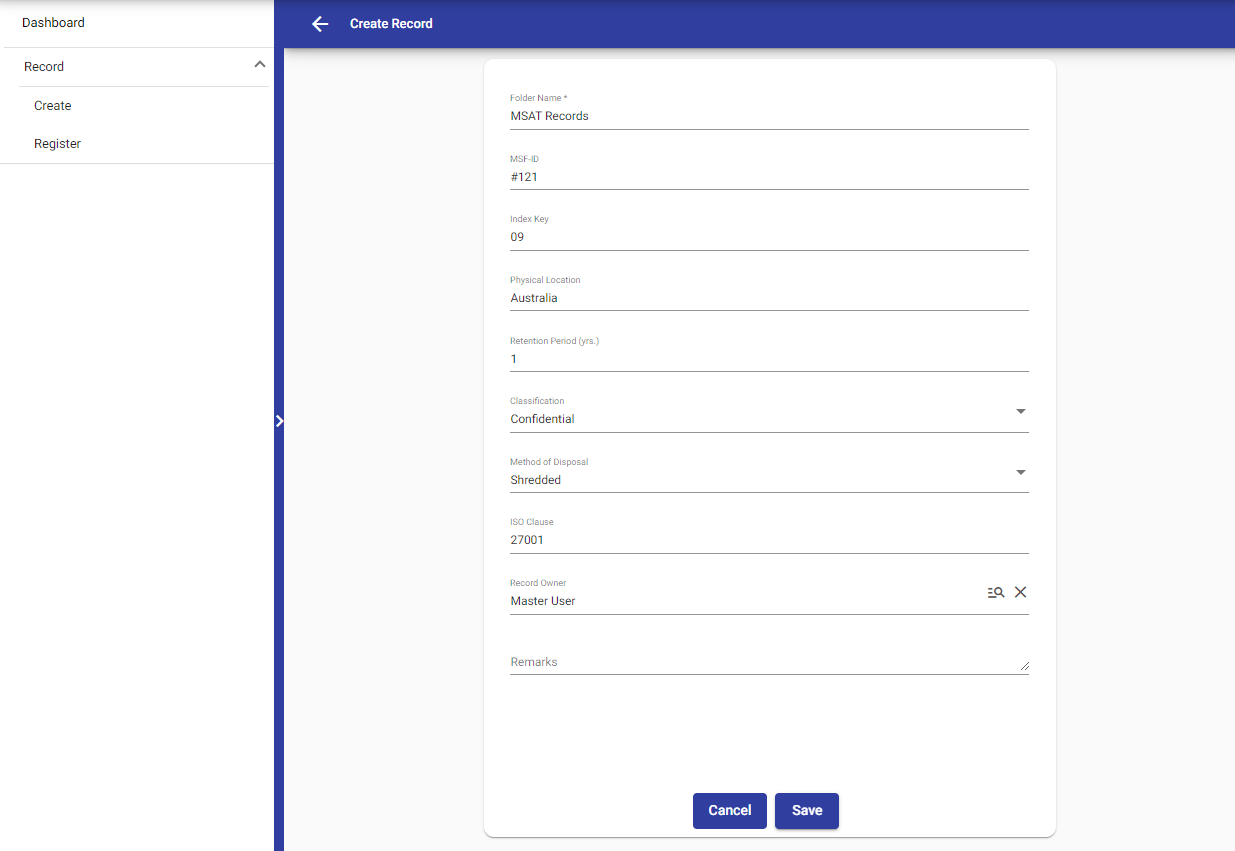
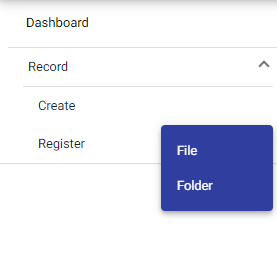 Create Folder : To create a folder, fill in the required field labeled "Folder Name", and then you'll be able to create the folder.
Additionally, You also have some extra options for flexibility:
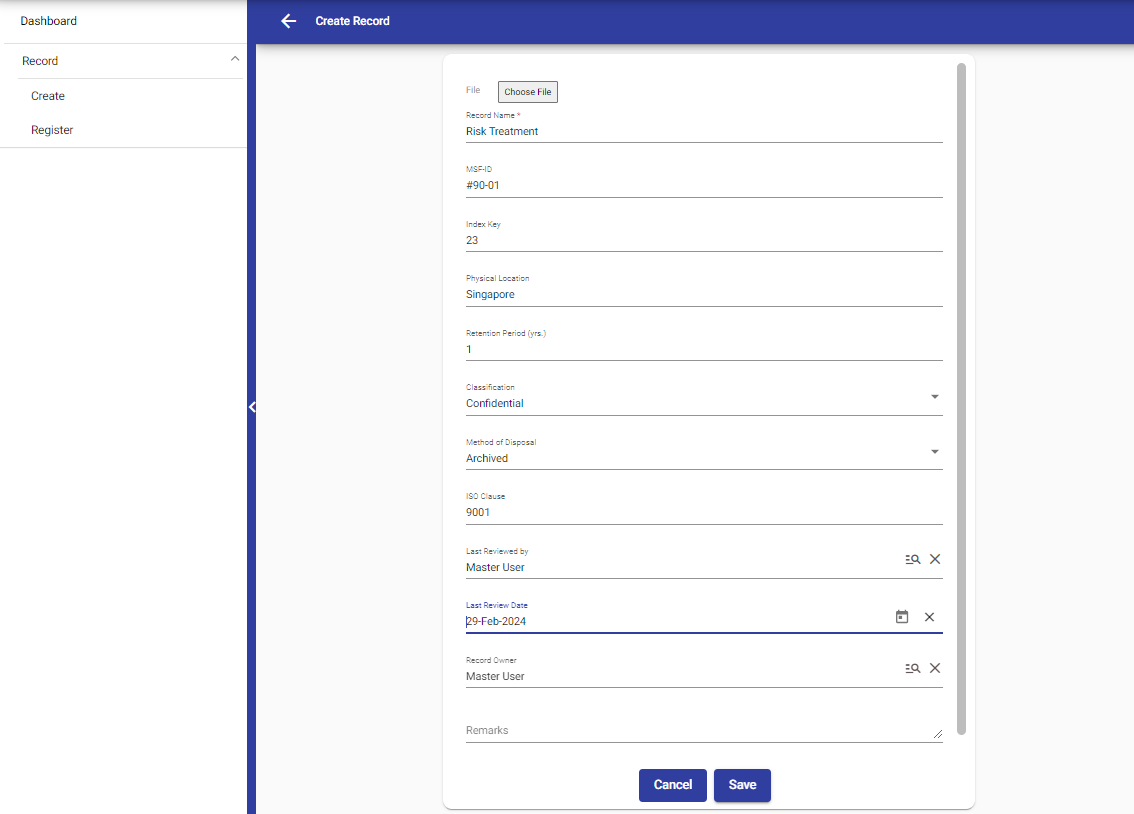
- Choose the classification for your document, whether it's "Confidential", "Public", or "Restricted".
- Decide on the method of disposal for your document, such as "Deleted", "Shredded", or "Archived".
 Create File : To create a file, select the "File" option and fill in the required fields to add the file. Additionally, there are other fields like classification and method of disposal that you can fill in for further details.
© Tofrum, 2024 • Updated: 29-2-2024
Comment or report problem with topic
