
 All Users
This section shows every user in the organisation, including system, non-system, and past users. It lets you view and manage user data easily, with options to update, read, and inactive user, giving you the flexibility to perform various operations as needed.
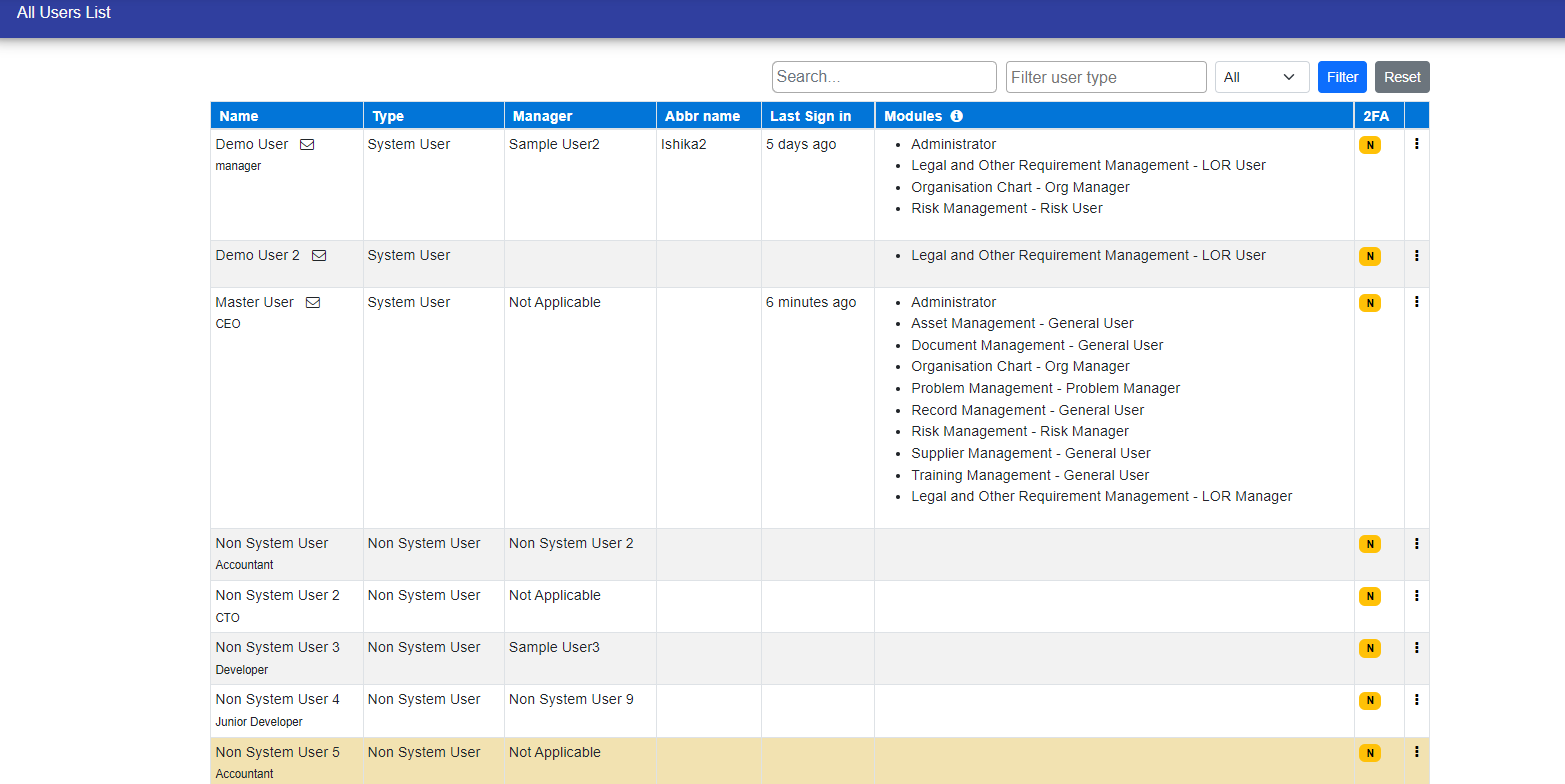
You can also filter non system user based on your needs.
- Auditor
- Not Released
- System Users
- Non System Users
- Past Users

By clicking on three dot icon you can edit and make inactive user and also view the details of user.

© Tofrum, 2024 • Updated: 24-4-2024
Comment or report problem with topic
